Mindblown: a blog about philosophy.
-

Introducing Mermaid Diagrams in SlidesAI
Build clearer presentations with Mermaid diagrams in SlidesAI. Explore 17 diagram types, use AI to make edits, and export diagrams as PNG or SVG.
-

Introducing Funnel Charts With Conversion Details in SlidesAI
Explore SlidesAI’s new funnel charts to track conversion rates, identify drop-offs, and compare results across funnel stages with clear visual insights.
-

New in SlidesAI: Create World Map Charts for Your Presentations
SlidesAI introduces world map charts for presentations. Learn how to visualize country data, highlight regional patterns, and make your insights easier to understand.
-

SlidesAI Gets a New Charting Engine, World Maps, Mermaid Diagrams, and More
More ways to work with data, diagrams, links, and technical content — without leaving SlidesAI. Presentations often start with a lot of information: sales numbers, research findings, process diagrams, geographic data, or even lines of code that need to fit on a slide. Turning that information into something people can quickly understand can take time.…
-
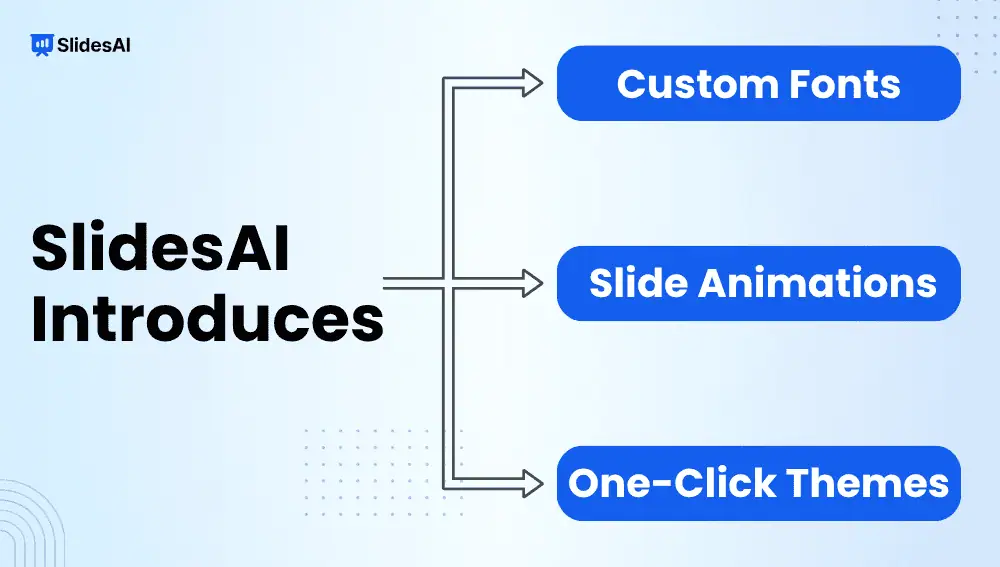
Introducing Custom Fonts, Slide Animations, and One-Click Themes in SlidesAI
SlidesAI introduces custom fonts, slide animations, and one-click theme change. Discover how these features help you customize and enhance your presentations.
-

Introducing the Theme Panel in SlidesAI: Transform Your Presentation in One Click
You’ve finished your presentation. The content is in place, the slides are structured, and everything works, but the design still doesn’t feel quite right. Maybe the colors don’t match the tone you’re going for. Maybe the fonts aren’t quite right. Or perhaps you simply want to see what your presentation would look like with a…
-
Introducing Animations and Transitions in SlidesAI: Create More Dynamic Presentations
A presentation isn’t only about what appears on the screen. It’s also about when your audience sees it. When everything appears at once, audiences can read ahead while you’re still explaining a point. With animations and transitions in SlidesAI, you can control how information unfolds, reveal content when it matters, and create smoother movement from…
-
Introducing Custom Fonts in SlidesAI: Design Presentations with Your Own Fonts
Your presentation can have the right message, the right colors, and the right layout, but if the font is wrong, it can still feel off-brand. SlidesAI can structure your content and build a deck quickly, but once that deck exists, it still has to look like you made it, not like a template. Typography is…
-

Master Google Slides Shortcuts for Effortless Presenting
Efficiency is crucial in the fast-paced world of presentations. A wealth of keyboard shortcuts is included with Google Slides, a potent tool for creating visual narratives to facilitate navigation and speed up task completion. Whether you are a novice or an experienced presenter, using these Google Slides shortcuts can significantly improve your workflow. By keeping…
-

How to Add, Move, Duplicate or Delete Slides in Google Slides?
Learn how to add, move, duplicate or delete slides in Google Slides with this step-by-step guide. Keep your presentation clean and consistent.
Got any book recommendations?