Author: abhagsain
-
How to Strikethrough on Google Slides?
Strikethrough in Google Slides is a simple yet effective way to indicate revisions, mark completed tasks, or highlight changes without removing content. Whether updating a to-do list, reviewing edits, or presenting progress, learning how to strikethrough text in Google Slides ensures your slides are both clear and visually organized. In this guide, we’ll walk you…
-

Interview Presentation: A Complete Guide for Job Success
An interview presentation isn’t just about answering questions; it’s your chance to showcase communication skills, confidence, and your understanding of the role. Many employers use this format to see how you organize ideas, solve problems, and engage an audience. Whether you’re presenting on a topic they provide or highlighting your own experience, the goal is…
-
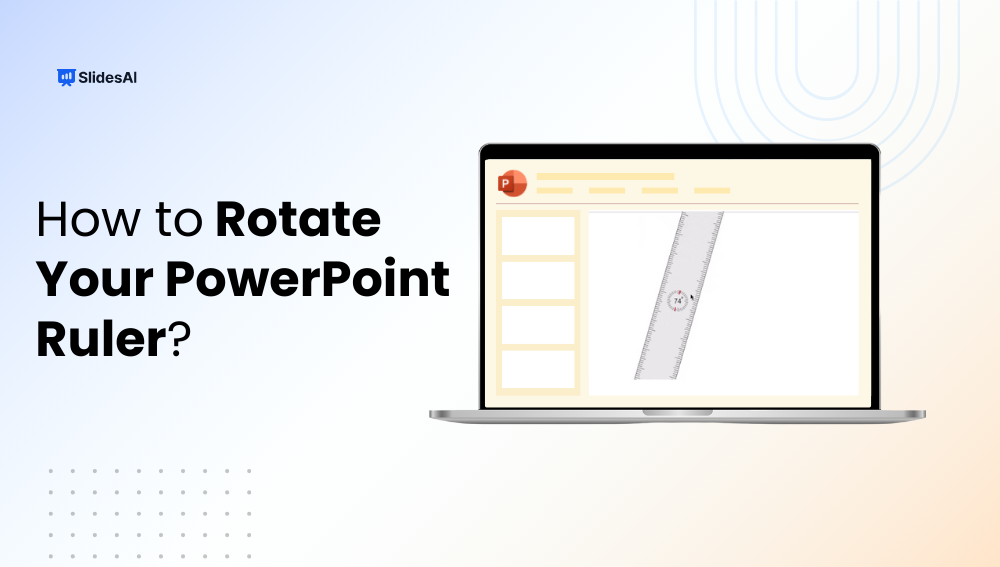
How to Rotate Your PowerPoint Ruler?
The ruler in PowerPoint is an essential tool for aligning objects, drawing straight lines, and positioning elements precisely on your slides. While most users know how to display the ruler, few realize you can rotate it to measure angles for diagonal text, flowcharts, or unique slide layouts. In this guide, we’ll show you how to…
-
How to Add a Header in PowerPoint?: A Quick Guide
Adding a header in PowerPoint is a smart, easy way to give your slides a professional look and keep key details front and center, like your presentation title, company name, or a brief tagline. In just a few clicks, you can add headers that appear on all slides or just the ones you choose. This…
-
What is a Multimedia Presentation? A Complete Guide
A multimedia presentation combines text, images, audio, video, animations, and interactive elements to deliver information in a highly engaging and impactful way. Unlike traditional static slides, multimedia presentations capture attention, reinforce understanding, and appeal to multiple senses, making them ideal for education, business, marketing, and training.
-

How to Create a Great Sales Presentation That Closes Deals
A sales presentation is certainly more than just a slide show. It’s your opportunity to capture the audience’s interest, establish credibility, and ultimately influence them to take action. But making one is a challenge for many specialists. The presentation is either too long, too generic, or too feature-focused at the expense of value. In this…
-

18 Best AI Presentation Makers Tools in 2026
Creating a PowerPoint presentation just got easier, thanks to AI. Whether you’re a student, marketer, or business professional, AI-powered tools can now help you brainstorm content, design clean slides, and save hours of manual work. Instead of starting from scratch, these platforms let you focus on your message while they handle layout, structure, and even…
-

How to Create a Gantt Chart in PowerPoint?
Trying to plan a project or keep track of deadlines using plain text can get messy and confusing. Whether you’re working on a team presentation or managing a timeline for a school or office task, you need something that clearly shows what needs to be done and when. That’s where a Gantt chart comes in.…
-
How to Make an Interactive PowerPoint Presentation?
PowerPoint presentations have been around for a long time and are still one of the most commonly used tools in education. But let’s be honest, they can sometimes feel a bit dull or one-sided. If you’ve ever felt that your slides could use a little more energy or engagement, you’re not alone.
-

12 Best Google Slides Add-Ons for Your Presentations in 2026
If you use Google Slides regularly, you’ve probably found yourself wishing it could do just a little more. Maybe you’ve struggled with formatting, wanted better visuals, or needed a quicker way to bring your ideas to life. The good news is, you don’t have to settle for the basic features. With the right add-ons, you…