
Keeping up with studies can feel like a lot sometimes, especially when you’re juggling assignments, projects, and deadlines. But what if you had smart tools that could take some of that load off?
In 2026, AI tools are here to make things smoother for students like you. Whether you need help organizing your thoughts, improving your writing, or getting quick answers, there’s an AI tool out there that can save you time and stress.
In this blog, we’ll explore 14 of the best AI tools every student should know about. Each one is designed to make your academic life easier and a little less chaotic.
Top AI Tools for Students: A Quick Glance
| Category | AI Tool | Best For |
|---|---|---|
| Presentation & Visual Design | SlidesAI | Creating presentations from text, notes, and documents |
| Canva | Creating presentations, posters, infographics, and visual projects | |
| Writing & Academic Assistance | ChatGPT | Explaining concepts, brainstorming, summarizing, and study support |
| Grammarly | Improving grammar, clarity, tone, and writing quality | |
| QuillBot | Paraphrasing, summarizing, grammar checking, and citations | |
| Academic Integrity & AI Detection | GPTZero | Checking writing for patterns associated with AI-generated content |
| Note-Taking & Study Organization | Otter.ai | Recording lectures and creating searchable transcripts and summaries |
| NotebookLM | Studying and asking questions based on your own notes and sources | |
| AI Tutoring | Khanmigo | Guided problem-solving and personalized learning |
| Socratic | Getting explanations and learning resources across subjects | |
| Flashcards & Exam Practice | RemNote | Creating flashcards and using spaced repetition for revision |
| Quizlet | Creating study guides, flashcards, quizzes, and practice tests | |
| Research & Citations | Consensus | Finding and understanding academic research |
| Scite | Evaluating research through citation context and Smart Citations |
If you want to review your AI-generated content, check out the best AI checkers here .
14 Best AI Tools for Students to Help You Study Better
There is no single AI tool that works best for every student. Some are designed for presentations, while others focus on writing, tutoring, note-taking, exam preparation, or academic research.
Based on what kind of help you need, be it to enhance the visual design of your presentations or help you remember better, here are the top 14 helpful AI tools for students:
Presentation & Visual Design
1. SlidesAI

SlidesAI is an AI presentation maker that turns text, notes, documents, or prompts into editable presentations. It works with Google Slides and PowerPoint and is also available through its web app.
How it works:
Add your topic or source material, choose your presentation settings, and let SlidesAI generate the presentation structure and slides. You can then edit the content and design before presenting.
How it helps you:
SlidesAI is an AI tool for students that can help you reduce the time spent turning essays, research, lecture notes, or project information into presentation slides.
Features:
- Text-to-presentation generation
- Document-based presentation creation
- AI-powered rewriting and summarization
- Presentation templates
- AI-generated visuals
- Multiple language options
- Google Slides and PowerPoint support
Pricing:
Basic: Free
Pro: $10/month when billed annually
Premium: $20.83/month when billed annually
<SlidesAICTAWeb />
2. Canva

Canva is a visual-design platform that students can use to create presentations, posters, infographics, videos, and other academic projects. Its templates and AI-powered features make it easier to create polished visuals without advanced design skills.
How it works:
Choose a template or start with an idea, then customize the text, graphics, images, and layout to match your project.
How it helps you:
Canva is useful when you need visually engaging presentation slides, posters, infographics, or other creative assignments.
Features:
- Presentation templates
- Graphic design tools
- AI-powered design features
- Collaboration tools
- Images, graphics, and illustrations
Pricing:
Free plan available
Canva Pro: $18/month when billed annually
Canva Business: $25/month/user when billed annually
Eligible university students may receive premium access through Canva Campus if their institution participates in the program.
Writing & Academic Assistance
3. ChatGPT

ChatGPT is a general-purpose AI assistant that can help you brainstorm ideas, explain difficult concepts, summarize information, practice with questions, and work through academic problems.
How it works:
Ask a question, provide context, or upload relevant material, then use the response as a starting point for learning and further investigation.
How it helps you:
ChatGPT can act as a study companion when you need a concept explained in simpler terms or want to explore different approaches to a problem.
Features:
- Concept explanations
- Brainstorming
- Summarization
- Writing support
- Coding assistance
- Study and tutoring support
Always verify facts and statistical figures obtained from ChatGPT against credible sources.
Pricing:
Free plan available: Includes standard text chats with basic limits on image generation and voice features.
Go: $8/month – provides higher usage limits than the Free plan and access to premium features such as file uploads and image generation.
Plus: $20/month – provides higher limits and expanded access to advanced features and models.
4. Grammarly

Grammarly is an AI-powered writing assistant that helps you improve grammar, clarity, tone, and overall communication. Its student-focused AI tools are designed to support your writing process while helping you maintain your own voice.
How it works:
Add your writing to Grammarly or use the extension where you already write. The tool provides suggestions that you can review and accept or reject.
How it helps you:
It can help you catch writing issues and make essays, assignments, and research papers clearer before submission.
Features:
- Grammar and spelling suggestions
- Clarity improvements
- Tone feedback
- Generative AI assistance
- Citation and academic-writing support
- Plagiarism and AI-related tools on eligible plans
Pricing:
Free plan available: Basic spelling, grammar, and punctuation checks, basic tone detection
Pro: $12/member/month when billed annually and $30/member/month when billed monthly
5. QuillBot

QuillBot is an AI writing platform with tools for paraphrasing, summarizing, grammar checking, citation generation, translation, and AI detection.
How it works:
Paste or upload your writing, select the tool you need, and review the suggested changes rather than accepting them blindly.
How it helps you:
QuillBot can help you improve clarity, shorten lengthy material, or find alternative ways to express an idea while preserving the intended meaning.
Features:
- Paraphraser
- Summarizer
- Grammar checker
- Citation generator
- AI detector
- Translator
Pricing:
Free plan available
Monthly: $19.95
Annual: $8.33/month when billed annually
Other billing options may be available.
Academic Integrity & AI Detection
6. GPTZero
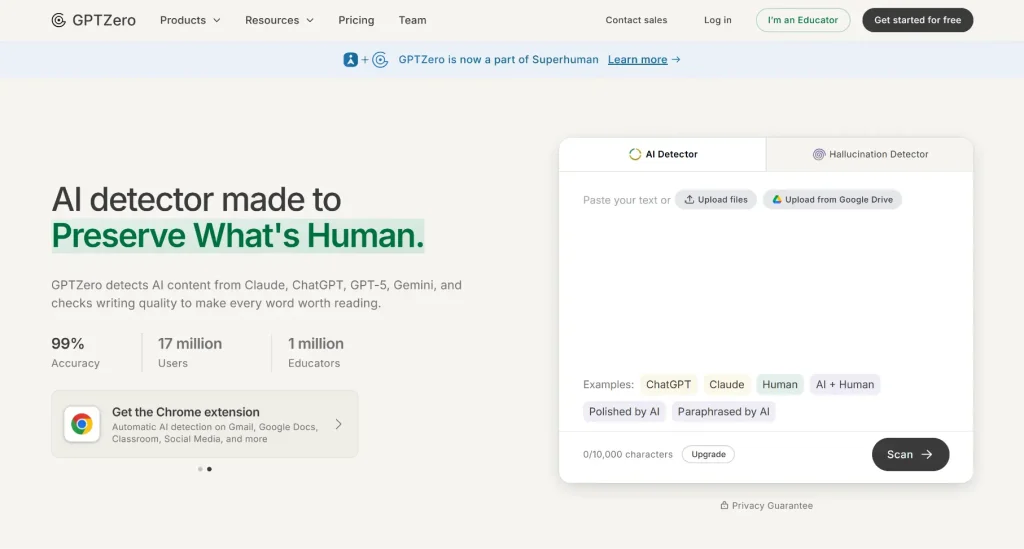
GPTZero is an AI detection tool designed to help students understand whether parts of their writing may resemble AI-generated text. It also positions its student offering as a way to strengthen authentic writing rather than simply “catch” AI use.
How it works:
Upload or paste your writing and review the detection results and highlighted sections.
How it helps you:
You can use it as one additional check on your writing process, particularly if your school has rules about AI-generated work.
Features:
- AI-writing detection
- Highlighted text analysis
- Student-focused tools
- Chrome extension
- Additional academic-integrity features on paid plans
Pricing:
Free: Basic AI scans with up to 10,000 characters per scan and 10,000 words per month
Premium: $12.99/month when billed annually – up to 300,000 words per month, advanced AI scans, and download AI reports
Professional: $24.99/month when billed annually – up to 500,000 words per month and page-by-page scanning
Important: AI detectors are not definitive proof of who wrote a piece of text. Always follow your school’s academic-integrity policy and keep your own drafts and source materials.
Note-Taking & Study Organization
7. Otter.ai

Otter.ai is an AI transcription and meeting-notes tool that can turn spoken conversations, lectures, and discussions into searchable text.
How it works:
Record or connect a supported meeting or lecture, then use the resulting transcript to review important information later.
How it helps you:
Using this student-focused AI-powered tool , you can focus more on listening during a lecture instead of trying to write down every sentence.
Features:
- Real-time transcription
- Searchable transcripts
- Speaker identification
- Lecture and meeting recording
- AI-generated summaries
Pricing:
Basic: Free (300 minutes/month)
Pro: $8.33/user/month when billed annually
Business: $19.99/user/month when billed annually
8. NotebookLM
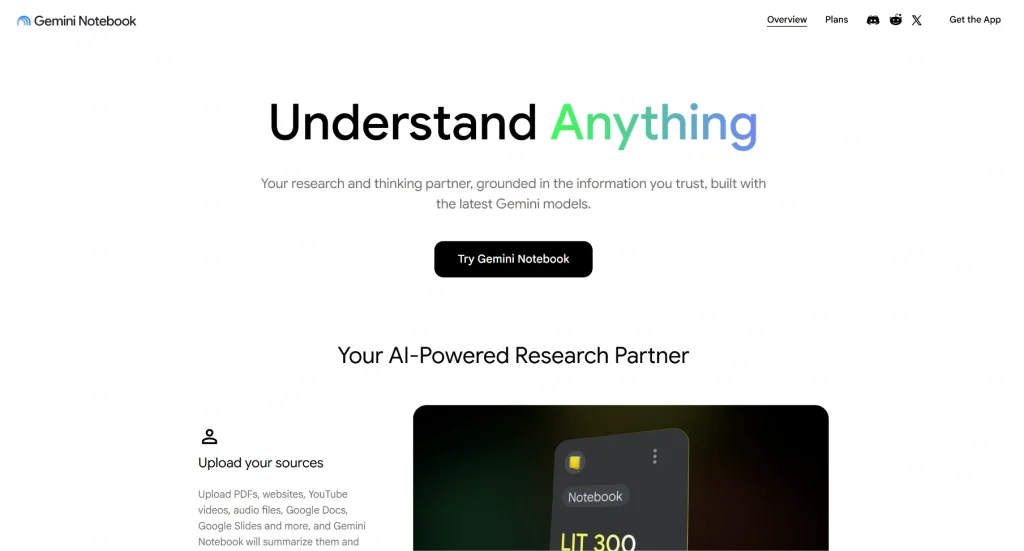
NotebookLM is Google’s AI-powered research and study tool that grounds its responses in the sources you provide. It lets students work with their own class materials and other sources, then ask questions and generate study resources from those materials.
How it works:
Upload or add your sources to a notebook and ask questions about them. NotebookLM can also create study aids such as flashcards, quizzes, reports, and Audio Overviews.
How it helps you:
This AI-powered tool for students is especially useful when you have a large set of lecture notes, PDFs, readings, or research materials and want to understand or review them more efficiently.
Features:
- Source-based Q&A
- Study guides
- Flashcards
- Quizzes
- Audio Overviews
- Reports and other generated study materials
- Learning Guide
Pricing:
NotebookLM has a free version, with additional limits and features available through eligible Google plans.
AI Tutoring
9. Khanmigo
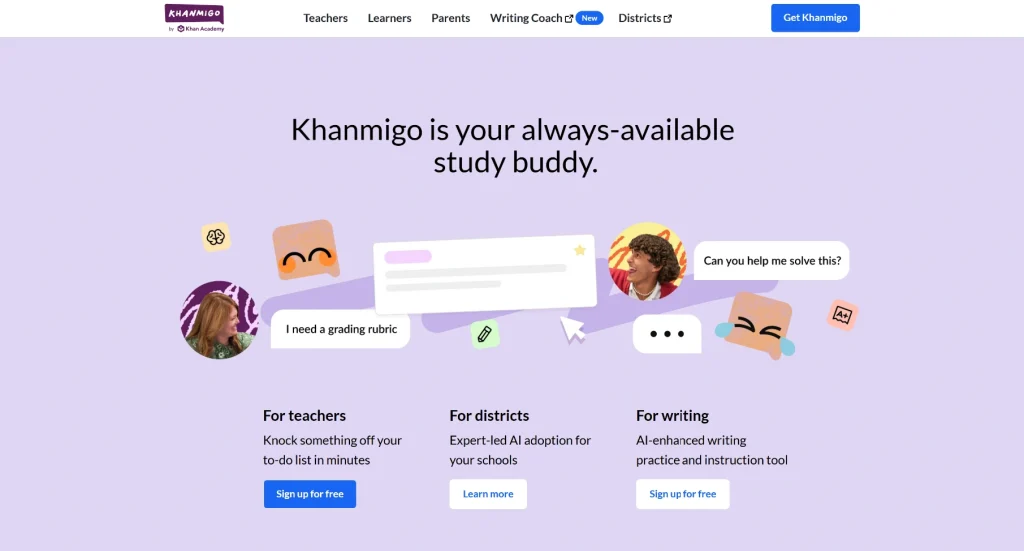
Khanmigo is Khan Academy’s AI-powered tutor and teaching assistant. Unlike a basic chatbot that simply gives an answer, Khanmigo is designed to guide you through questions and encourage you to think critically.
How it works:
Ask Khanmigo about a topic or problem and work through its guided questions and explanations.
How it helps you:
It can be useful when you are stuck on a concept and want help understanding the reasoning rather than simply receiving the final answer.
Features:
- Personalized tutoring
- Guided problem-solving
- Writing support
- Coding support
- Khan Academy content integration
- College and career guidance
Pricing:
Learners: $4/month or $44/year
10. Socratic
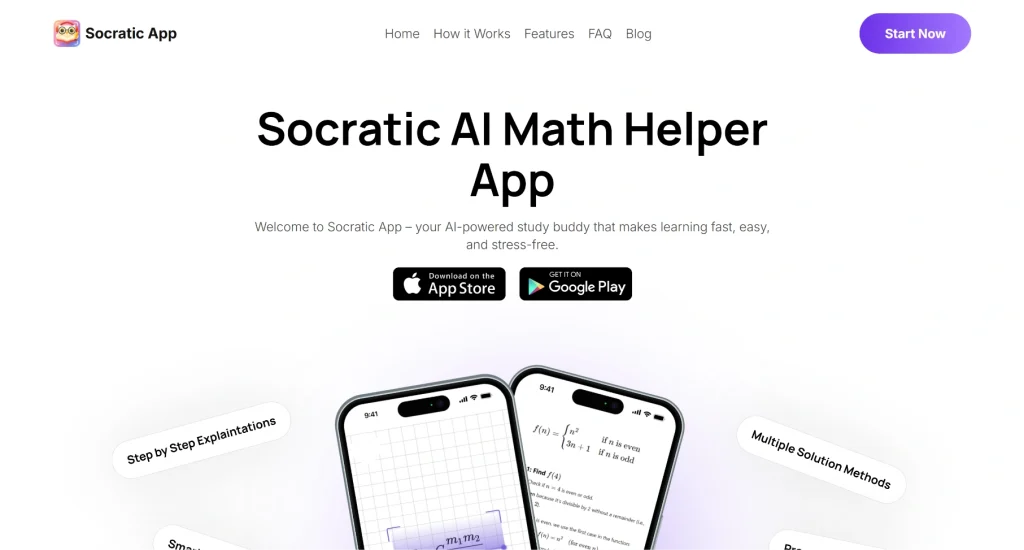
Socratic is a Google learning app that helps you explore questions across subjects with explanations and learning resources.
How it works:
Enter a question or use the app’s visual input capabilities to get explanations and relevant learning resources.
How it helps you:
This AI-powered tool is useful for students as it can provide a useful starting point when you are trying to understand a difficult homework question or review a concept independently.
Features:
- Visual explanations
- Step-by-step learning support
- Multiple subject areas
- Text and visual input
Pricing:
Free
Flashcards & Exam Practice
11. RemNote
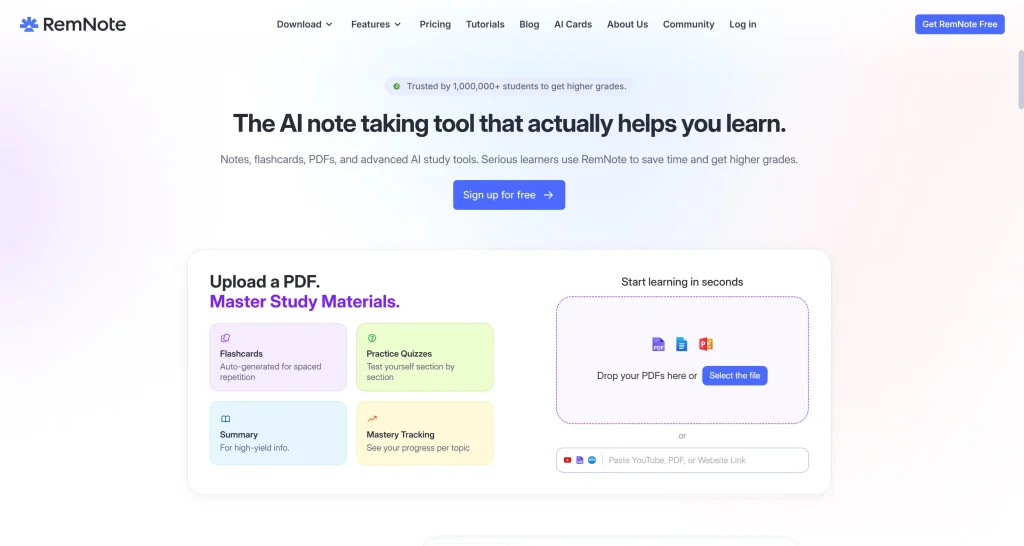
RemNote combines note-taking, flashcards, and spaced repetition. Its AI features can turn notes and documents into study materials, making it useful for those of you who want their notes and revision system in one place.
How it works:
Create notes or add documents, then use RemNote’s AI tools to generate flashcards , quizzes, and summaries. Its spaced-repetition system helps organize review sessions.
How it helps you:
RemNote reduces the need to manually turn every set of notes into flashcards, which can make exam preparation more efficient.
Features:
- AI-generated flashcards
- AI quizzes and summaries
- Spaced repetition
- PDF annotation
- Note-taking
- Exam scheduling
Pricing:
Free plan available: Unlimited notes and flashcards with limited AI usage
Pro: $8/month when billed annually
Pro with AI: $18/month when billed annually
12. Quizlet
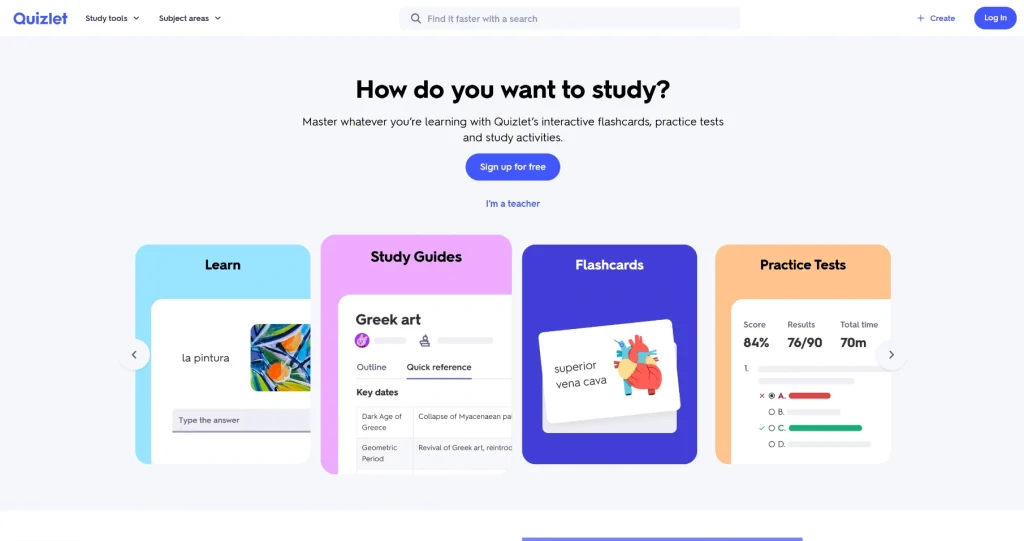
Quizlet is a study platform that uses AI to help students turn their own notes, PDFs, and lecture materials into structured study resources.
How it works:
Upload or add your study material, then use Quizlet’s AI tools to generate study guides, flashcards, quizzes, and practice tests.
How it helps you:
Quizlet can reduce the time spent manually creating revision material and give you more ways to practice what you already learned.
Features:
- AI Study Guides
- AI-generated flashcards
- Practice tests
- AI-powered homework help
- Learn and practice modes
- Study activities
Pricing:
Free trial available
Quizlet Plus: $2.99/month when billed annually
Quizlet Plus Unlimited: $3.75/month when billed annually
Research & Citations
13. Consensus
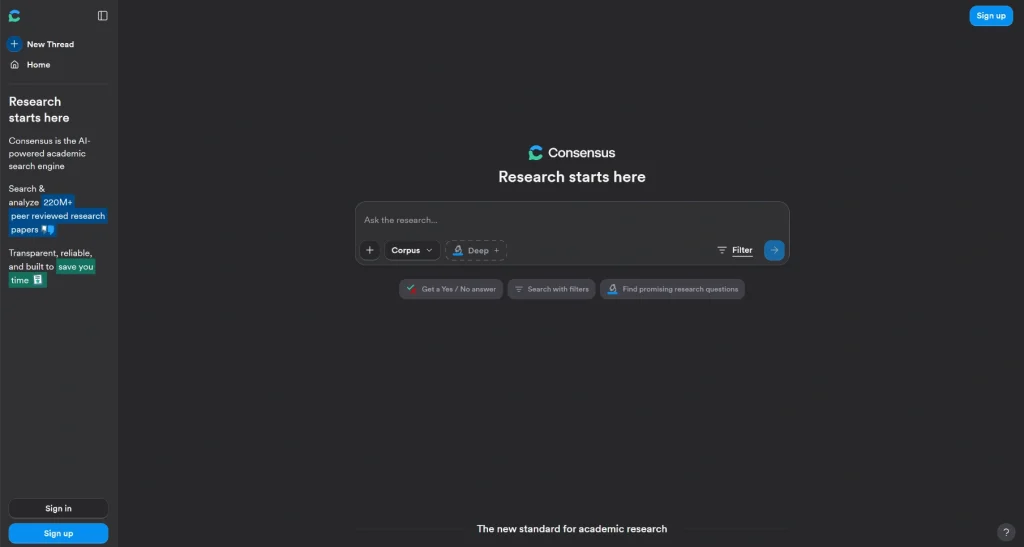
Consensus is an AI-powered academic search engine built around scientific research. It searches a database of more than 220 million research papers and connects its responses to research sources.
How it works:
Enter a research question in natural language or search using keywords. Consensus finds relevant papers and uses AI to help summarize the evidence.
How it helps you:
This AI-powered tool for students can help you move beyond general web searches when you need academic evidence for a research paper, thesis, or project.
Features:
- AI-powered academic search
- Search across 220M+ peer-reviewed papers
- Research summaries
- Paper discovery
- Deep research features
- Medical research mode
Pricing:
Free plan available: Basic paper search without any AI analysis
Pro: $12/month when billed annually – unlimited AI-powered searches and analysis and 15 deep reviews per month
Deep: $45/month when billed annually – 200 deep reviews per month
14. Scite
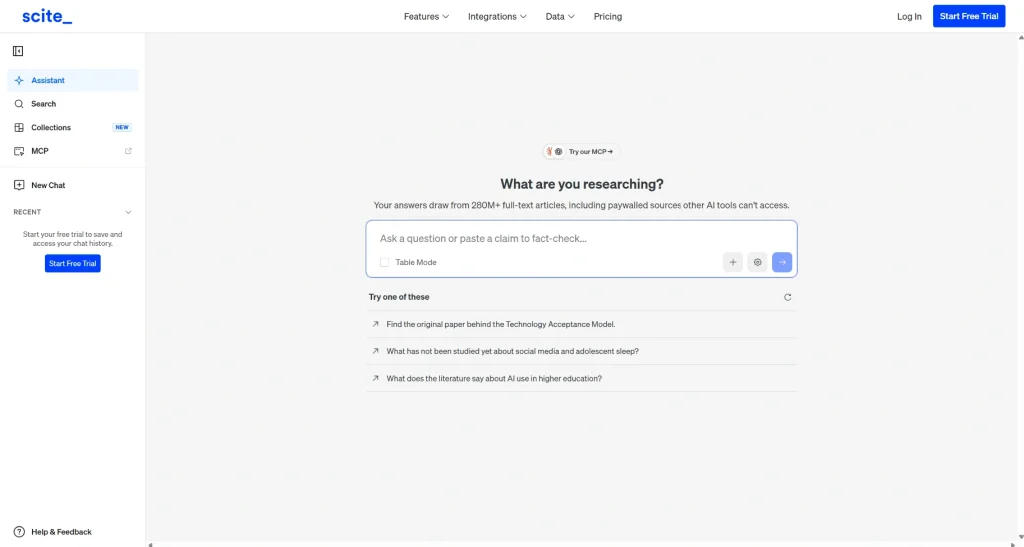
Scite is an AI-powered research platform that helps you discover and evaluate academic literature. Its Smart Citations show whether later research supports, contrasts with, or simply mentions a cited claim.
How it works:
Search for papers or topics and then use this student-focused AI tool’s citation information and research ability to examine how studies have been discussed by later publications.
How it helps you:
Instead of looking only at how many times a paper has been cited, you can examine the context around those citations and get a better sense of how the research has been received.
Features:
- Smart Citations
- Literature search
- Citation context
- AI research assistant
- Citation alerts
- Research collections
Pricing:
Basic: $12/month when billed annually
Pro: $40/month when billed annually
A 7-day free trial is available for both plans.
Closing Thoughts
With so many helpful AI tools around, studying in 2026 doesn’t have to feel complicated. Whether you need help staying organized, writing better, or understanding tough topics, there’s something here for you. Try out a few and see what fits your style best. Sometimes, a small tool can make a big difference in how you learn.
Studying smarter has never been more achievable, thanks to AI tools built specifically to support students. From writing assistance to presentation builders and research helpers, the right tools can save hours every week. Here are the top AI tools students should have in their academic toolkit right now.
- Top 19 Best AI Pitch Deck Generators
- 12 Best AI Image Generators to Elevate Your Presentations
- AI Tools for Teachers to Boost Productivity and Engagement
- Best AI Tools for Productivity
- 15 Best AI Tools for Consultants
- Top 12 AI Tools for Science Teachers
- 14 AI Tools for Maths Teachers to Use in the Classroom
- 12 Best AI Tools for English Teachers to Save Hours a Week
Related Posts
-

Creating presentations is a big part of student life. Whether it’s for assignments, projects, or…
-

If you’re working on a presentation this year, it’s worth paying attention to the design…
-

Presentations are essential in today’s educational environment for simplifying difficult subjects and facilitating students’ understanding…
-

In the world of presentations, PowerPoint has been a popular choice for a long time.…
-
Creating a PowerPoint presentation just got easier, thanks to AI. Whether you’re a student, marketer,…