Category: Presentation
-
Best Science Topics for Students and Professionals
Science touches everyday life more than most people realize. In fact, 72% of U.S. adults say science benefits them personally, from healthcare advances to modern technology. As a result, science communication has become a critical skill across classrooms, laboratories, and workplaces. Yet many presenters struggle with one core challenge: choosing science topics for presentation that…
-

Best Leadership Topics for Presentation
Companies that invest in leadership development report 25% better business. The U.S. alone spends over $166 billion every year on leadership training. One of the critical aspects of leadership development training is robust & effective presentations, which comes with one core challenge: selecting the right leadership topics for presentation. One of the most critical aspects…
-

50+ Ice Breakers for Your Next Presentation
Starting a presentation can feel a bit awkward, especially when your audience is quiet or unsure of what to expect. That’s where ice breakers come in. These simple activities help you connect with your listeners, ease any tension in the room, and set a friendly tone for what’s coming next. Whether you’re teaching students, speaking…
-

125+ Impromptu Presentation Topics for Students, Professionals, & More
You’ve got 60 seconds to think and 2 minutes to speak. Your name is called, the room is quiet, and you need to say something clear, confident, and relevant right now. That moment defines impromptu presentations. Impromptu presentations are short, unplanned talks where structure matters more than polish, and clarity matters more than content volume.…
-
18 Interactive Presentation Games That Boost Engagement
Let’s face it. Presentations can feel boring if it’s just one student after another reading slides. But when you turn them into games, things change. Students start paying attention, they get involved, and they actually enjoy the process. These games are not just about fun. They help with speaking skills, teamwork, quick thinking, and understanding…
-
How to Make a Video Presentation Without Overthinking it
Key Takeaways A good video presentation doesn’t need to be flawless. If viewers understand your message without replaying it, you’ve already succeeded. Video presentations combine visuals and voice for better understanding. By bringing together slides, screen recordings, visuals, and narration, video presentations make ideas easier to follow than static decks. Different goals need different video…
-

12 Best AI Tools for English Teachers to Save Hours a Week
If you’re an English teacher, you already know how much time goes into planning lessons, grading essays, and giving feedback. Between all the marking and prep work, your evenings can disappear before you even catch your breath. That’s where AI tools come in. They don’t replace your teaching, but they do take some of the…
-
How to Make a Financial Presentation: Steps, Tips & Tools
A financial presentation is the story behind the figures, told in a way that real humans can follow without squinting at rows of data.
-
How to Make a Product Launch Presentation?
A product launch presentation is a structured walkthrough of your product, usually aimed at investors, customers, or internal teams. Instead of just listing features, it shows the problem, your solution, and why it matters. Think of it as telling a story that helps people see the product’s value clearly.
-
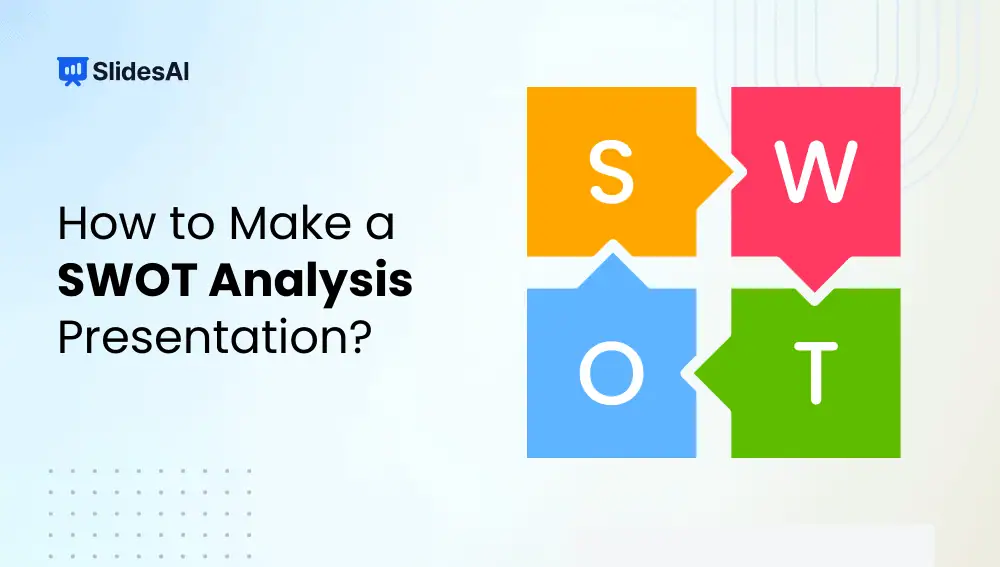
How to Make a SWOT Analysis Presentation?
A SWOT analysis is a strategic framework used to evaluate “Strengths, Weaknesses, Opportunities, and Threats” related to a business, project, product, or idea. Strengths and weaknesses focus on internal factors you can control, while opportunities and threats come from external conditions such as market trends or competition.