Category: Presentation
-
How to Create Quarterly Business Review Presentations with AI
Creating a quarterly business review means spending hours on editing charts, rewriting summaries, and fixing slide layouts. In this guide, you will learn how to present quarterly business review updates faster, avoid common QBR mistakes, understand different QBR formats, and see how AI tools like SlidesAI can reduce the time spent creating presentation decks. What…
-

How to Create a Sponsorship Deck That Wins Sponsors?
A sponsorship deck is a short presentation that helps you attract sponsors by explaining what your event, campaign, or brand is about and why it’s worth supporting. They invest in your project, and you give them exposure, credibility, and access to your audience.
-

How to Create a Survey Results Presentation That Engages Your Audience?
presentation? A survey results presentation is a structured way of displaying and explaining the findings from a survey. It turns raw data, such as responses, percentages, and trends, into clear insights that are easy to understand.
-

How to Create a Case Study Presentation: Best Practices & Common Mistakes
Turning a detailed case study into a compelling presentation is often more challenging than writing the case study itself. Many professionals struggle to decide what information to include, how to structure slides, and how to present results clearly. Learning how to create a case study presentation helps you communicate real-world outcomes in a way that…
-
How to Create a Webinar Presentation That Keeps Your Audience Hooked?
A great webinar presentation is more than just slides; it’s a powerful storytelling tool that keeps your audience engaged, informed, and inspired from start to finish. Whether you’re hosting a business training, product demo, or educational session, the way you design and deliver your presentation plays a huge role in how well your message connects.…
-

How to Make a Financial Presentation: Steps, Tips & Tools
A financial presentation is the story behind the figures, told in a way that real humans can follow without squinting at rows of data.
-

50+ Ice Breakers for Your Next Presentation
Starting a presentation can feel a bit awkward, especially when your audience is quiet or unsure of what to expect. That’s where ice breakers come in. These simple activities help you connect with your listeners, ease any tension in the room, and set a friendly tone for what’s coming next. Whether you’re teaching students, speaking…
-
18 Interactive Presentation Games That Boost Engagement
Let’s face it. Presentations can feel boring if it’s just one student after another reading slides. But when you turn them into games, things change. Students start paying attention, they get involved, and they actually enjoy the process. These games are not just about fun. They help with speaking skills, teamwork, quick thinking, and understanding…
-

Smart & Engaging Ways to Present a Project in 2026
Presenting a project is more than sharing information; it’s about telling a clear story that captures attention and convinces your audience of its value. Whether you’re pitching to stakeholders, updating your team, or showcasing results, the way you present can determine the success of your project. In this blog, we’ll explore effective and creative ways…
-
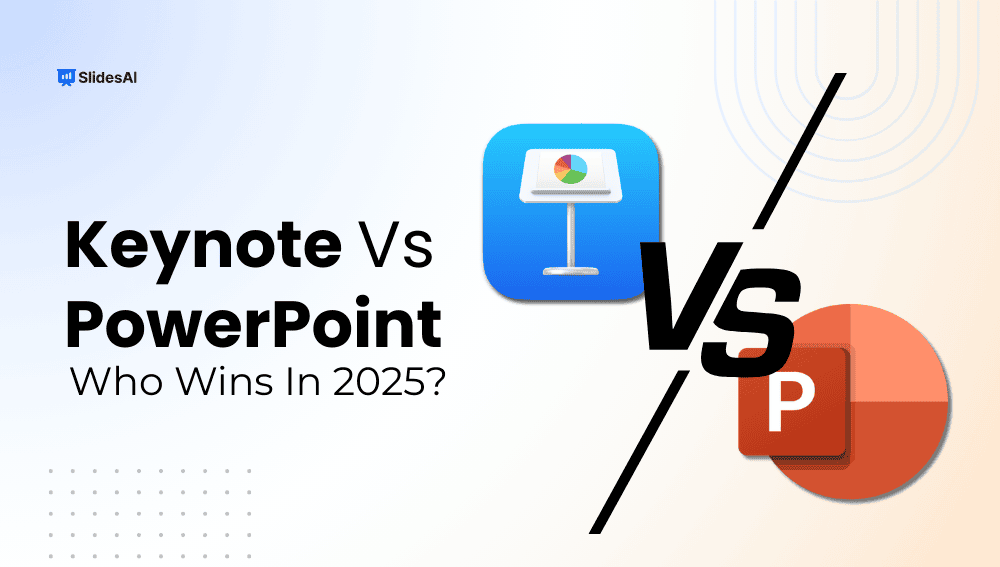
Keynote vs PowerPoint: Which One Wins in 2026?
Key Takeaways: PowerPoint is best suited for professionals, businesses, and teams who need powerful customization, cross-platform access, and strong collaboration tools. Keynote is ideal for Apple users who value sleek design, smooth animations, and a free, intuitive presentation tool. Both platforms have unique strengths. PowerPoint shines in versatility and enterprise features, while Keynote stands out…