Mindblown: a blog about philosophy.
-

How To Convert PowerPoint to Google Slides: Step-by-Step Tutorial
Often, it has happened that you want to open an old PowerPoint file, unfortunately, it is no longer supported on your computer. You can make your slide presentation more accessible from any device if you have access to your Google Account. You can easily achieve this by knowing how to convert PowerPoint to Google Slides.…
-

How to Put an Image Below Another in PowerPoint?
“Learn how to place an image below another in PowerPoint. Follow these simple steps to enhance visual hierarchy and create a polished, professional presentation that captivates your audience.
-
How to Make a Presentation Shorter or Longer?
Learn how to make a presentation shorter or longer using SlidesAI with simple editing tips. Adjust slide length, improve flow, and keep your audience engaged.
-

Pitch Deck vs Business Plan: Differences and Which to Use
Have you ever spent time deciding between creating a pitch deck vs business plan? For startups and new business owners, where every minute counts, it’s crucial to concentrate on activities that deliver the most significant impact.
-

How to Make Aesthetic Google Slides?
Are your Google Slides presentations feeling a bit plain? If you want to make them more visually appealing and grab your audience’s attention, creating aesthetic Google Slides can make a big difference.
-

How To Do Hanging Indent On Google Slides: 3 Easy Ways
To create a hanging indent in Google Slides, select your text, go to Format → Format options → Text fitting, and set “Special” to Hanging. You can also create a hanging indent by dragging the indent markers on the ruler or by using the Ctrl + Shift + Enter (Windows) / Cmd + Shift +…
-

How to Change the Opacity of a Shape in Google Slides?
Shapes are a versatile tool in Google Slides, allowing you to create visuals, diagrams, and callouts to enhance your presentations. But sometimes, a completely solid shape might overpower the background content or text. Here’s where adjusting the opacity of your shape comes in. By making your shape partially transparent, you can achieve a more layered…
-
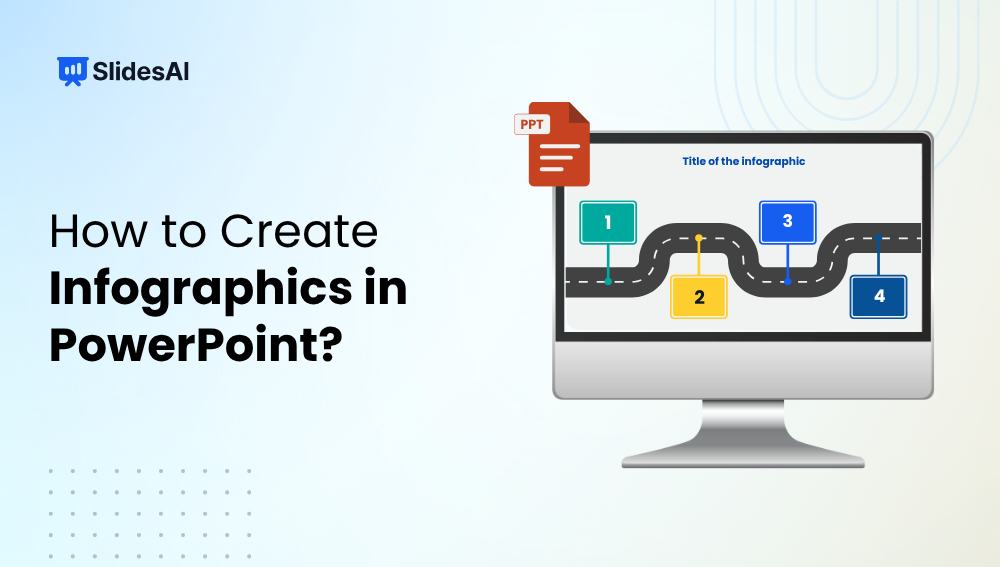
How to Create Infographics in PowerPoint that are Stunning
Infographics are one of the best ways to make complex information easy to understand and visually appealing. Instead of overwhelming your audience with text and numbers, infographics help you tell a clear, engaging story through visuals, icons, and data. The good news? You don’t need fancy design software to create them; PowerPoint has all the…
-

How to Highlight Pictures in PowerPoint?
Picture this — you’re working on a PowerPoint presentation for your quarterly marketing meeting. You’ve got a bunch of pictures, statistics, and text to put together. But It’s all a bit overwhelming, right? When you create presentation slides, the most important thing is to get your audience glued to your message and eliminate distractions. One…
-
How to Add an Excel Dashboard to PowerPoint (3 Easy Methods)
Key Takeaways You can add your Excel dashboard to PowerPoint as an image, embedded object, or live link. Linked dashboards update automatically when Excel data changes. Embedded dashboards can be edited directly inside PowerPoint. Using Excel dashboards makes your presentations data-rich and engaging. Tools like SlidesAI help you design and present dashboards professionally in minutes.…
Got any book recommendations?