Mindblown: a blog about philosophy.
-
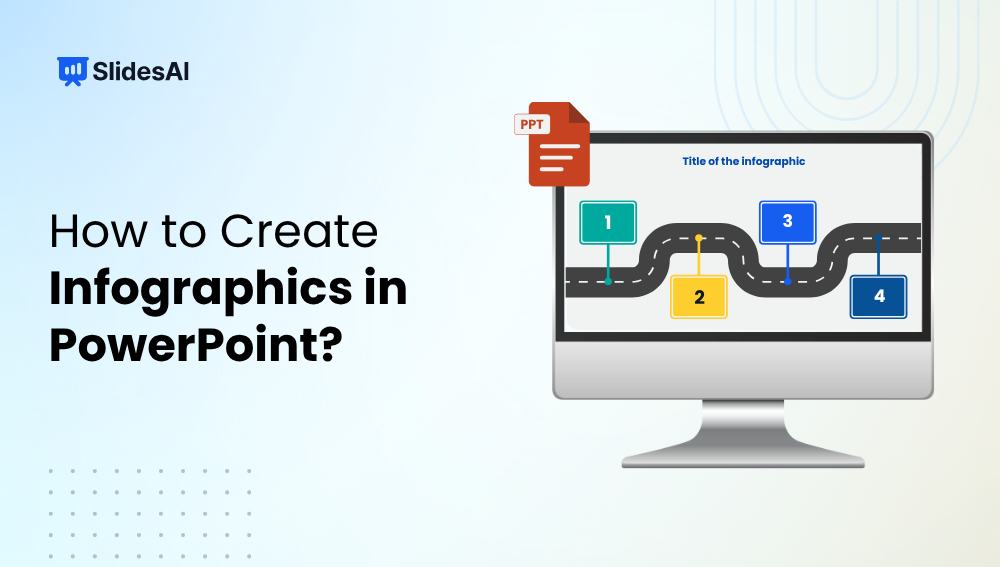
How to Create Infographics in PowerPoint that are Stunning
Infographics are one of the best ways to make complex information easy to understand and visually appealing. Instead of overwhelming your audience with text and numbers, infographics help you tell a clear, engaging story through visuals, icons, and data. The good news? You don’t need fancy design software to create them; PowerPoint has all the…
-

Top 10 Pecha Kucha Ideas for Presentation
Ever been sitting in a presentation where the speaker seems to talk forever? You’re not alone. Traditional presentations can sometimes be a bit long, heavy on text, and maybe even a little boring. But there’s a solution! Pecha Kucha is a presentation style that encourages speakers to be clear, creative, and interesting.
-

How to Put an Image Below Another in PowerPoint?
“Learn how to place an image below another in PowerPoint. Follow these simple steps to enhance visual hierarchy and create a polished, professional presentation that captivates your audience.
-

How to Make a Picture Slideshow on PowerPoint: Easy Step-by-Step Guide
Turning your photos into a PowerPoint slideshow is simple and fast. Whether it’s for class, work, or personal memories, PowerPoint helps you create smooth, automated presentations that look professional without needing any design experience. How to Make a Picture Slideshow on PowerPoint? Follow these simple steps to add your images, set automatic timing, and apply…
-
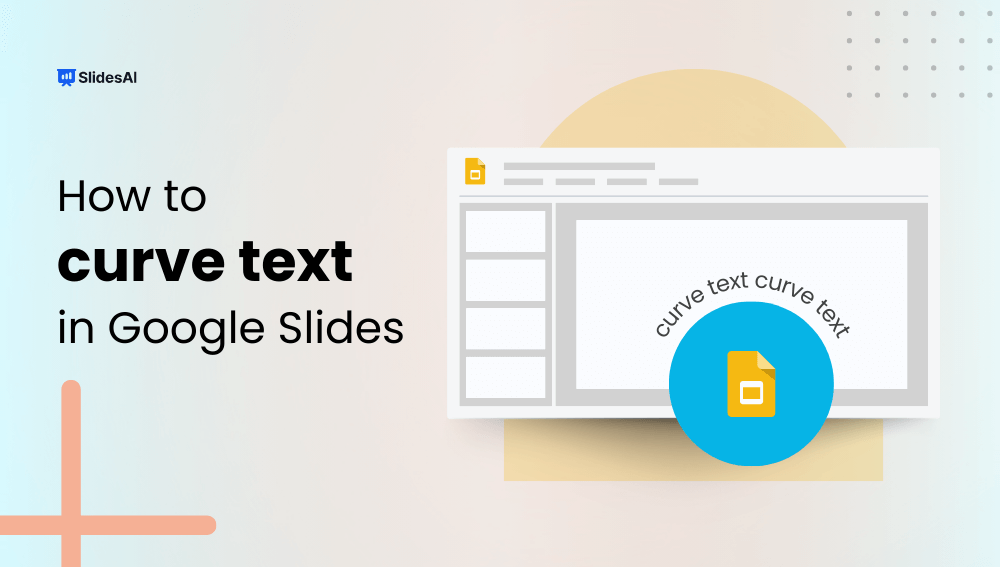
How to Curve Text in Google Slides?
You can curve text in Google Slides by using text box rotation, Word Art styling, or external design tools to mimic a curved text effect. While Google Slides does not include a built-in feature specifically for curving text, there are several simple workarounds that allow you to create similar visual results. The easiest method is…
-

How to Create Agenda Slide in PowerPoint?
Ever feel like your PowerPoint presentations could benefit from a strong start? Using an agenda slide at the beginning can be a helpful way to take charge of your presentation from the get-go.
-

Presentation Aids: Ideas to Lift Your Presentation
Presentation aids are tools that speakers use alongside their words and delivery to help get their message across to the audience more clearly. These tools come in many forms. The most common ones are visual aids, like pictures, diagrams, charts, and maps. Speakers can also use sound effects, music snippets, or even spoken word clips…
-
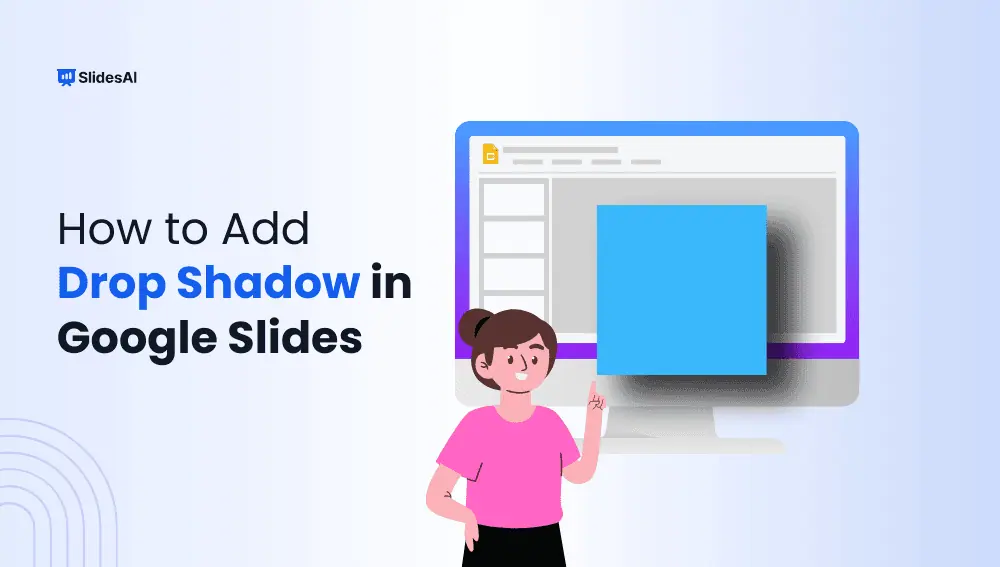
How to Add Drop Shadow in Google Slides?
If you’ve ever looked at a slide and thought, “This could use a little extra flair,” adding a drop shadow might be just the thing. A drop shadow is a subtle effect that creates a shadow behind text, images, or shapes, giving them a bit of depth and making them stand out. It’s a great…
-

How to Zoom in on Google Slides?
Getting the hang of zooming in and out on Google Slides can be a bit tricky, especially if you’re new to the platform. Unlike some other software, there isn’t a straightforward zoom slider, and certain keyboard shortcuts may not work as expected.
-

10 Types of Presentation You Should Know
Every presentation is different, reflecting your unique business and the information you share. But, some common presentation types are used across various fields and teams. Before diving into specific slides or organization, consider the type that best suits your audience.
Got any book recommendations?