Mindblown: a blog about philosophy.
-

Pitch Deck vs Business Plan: Differences and Which to Use
Have you ever spent time deciding between creating a pitch deck vs business plan? For startups and new business owners, where every minute counts, it’s crucial to concentrate on activities that deliver the most significant impact.
-

How To Add Table of Contents in Google Slides?
Creating a table of contents in Google Slides can really help organize your presentation. It gives your audience a clear idea of what to expect and makes it easier for them to follow along. Whether you’re working on a school project or a business pitch, a well-structured table of contents can make a big difference.…
-

How to Add a Timer to Google Slides? 2 Easy Methods
In professional presentations, timing is crucial. Adding a timer to your Google Slides can keep you on track and your audience engaged. In this guide, we’ll explore simple ways to integrate timers, like embedding YouTube countdowns or using timer add-ons. These techniques ensure your presentation flows smoothly and captivates your audience from start to finish.
-

How to Bring an Image Forward in Google Slides?
Pictures can be a great way to get your point across in a presentation. If you’re using Google Slides, a popular tool for making presentations, you can change how pictures are layered on top of each other. This can be helpful if you want one picture to stand out more than the others. This guide…
-
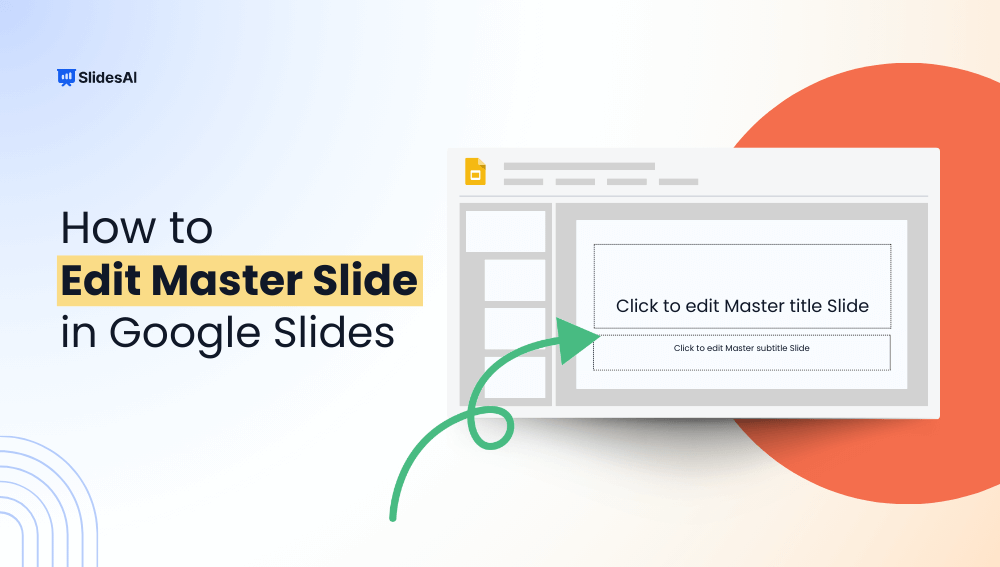
How to Edit Master Slide in Google Slides?
Master the art of editing the master slide in Google Slides with this step-by-step guide. Effortlessly control the layout and design of your entire presentation from one central location.
-

How To Make Google Slides Vertical?
Traditional landscape mode slides are well-suited for laptop or desktop viewing, but they fall short in terms of mobile convenience, limiting the implementation of certain graphics and charts at times. In such cases, you need a vertical aspect ratio.
-
How to Make an Object Bounce in Google Slides (Quick Guide)
Want to add a fun, eye-catching bounce effect to your Google Slides presentation? While Google Slides doesn’t offer traditional keyframe animation, there’s a clever workaround to make an object bounce in Google Slides via slide duplication. It’s simple, engaging, and perfect for teachers, students, and designers looking to add a creative touch. Don’t want to…
-

How to Import Themes into Google Slides – 6 Simple Steps
How long have you been staring at that default white Google Slides theme and wishing you could make your presentations reflect your own style? We’ve all been there. As functional as Google Slides is, it lacks new-age templates. But don’t settle for bland and boring! Your slides deserve better. Dressing them up with a gorgeous…
-

How to Insert Text to Speech in Powerpoint?
In recent years, technology has transformed how you provide information. Text-to-speech (TTS) technology is at the forefront of these innovations, allowing presentations and information to leap off the page by giving voice to the written words. Consider transforming dull slides into dynamic experiences and inclusive spaces in which everyone may absorb information smoothly. This technology…
-

16 PowerPoint Dos and Don’ts You Need to Know!
Discover 20 PowerPoint dos and don’ts to make your presentation stand out. Avoid common presentation pitfalls using these easy tricks for beginners.
Got any book recommendations?