Mindblown: a blog about philosophy.
-
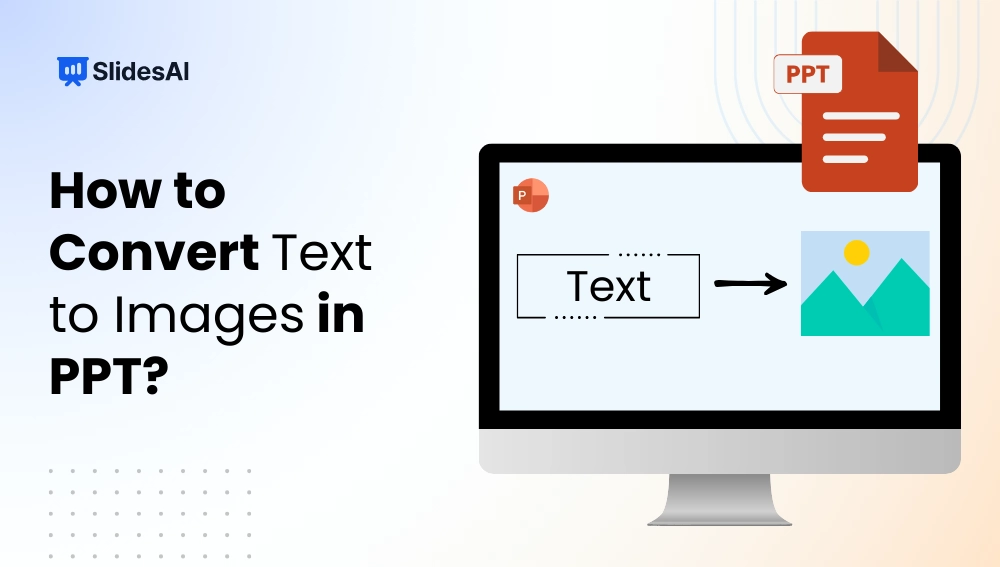
How to Convert Text to Images in PPT?
Boring, text-only headings often fade into the background and fail to grab attention in PowerPoint presentations. Even well-formatted titles can feel flat and easy to ignore. The fix? Turn plain text into eye-catching visual graphics that stand out. In this article, we’ll show you simple steps to convert text into images in PPT and instantly…
-

Keynote vs Google Slides: Which to Use?
Creating an engaging presentation is all about having the right software to bring your ideas to life. Whether you’re sharing school projects, delivering business reports, or pitching a creative concept, presentation tools make it easier to communicate clearly and leave a lasting impact.
-

How to Save a Picture from PowerPoint?
Sometimes you might want to save a picture from a PowerPoint slide, maybe it’s a logo, a photo, or a graphic you want to reuse somewhere else. The good news is, PowerPoint makes it easy to save images without losing quality. In this guide, we’ll show you quick and simple ways to export pictures from…
-

How to Highlight Text in PowerPoint? 4 Easy Methods
When creating a presentation, sometimes you need to make certain words or sentences stand out. This is where highlighting text in PPT becomes important. It helps draw attention to key points, emphasizes important details, and keeps your audience engaged. Whether you’re sharing statistics, key takeaways, or quotes, using text highlights in PPT ensures your message…
-

How to Change Bullets Color in PPT?
Have you ever thought about changing the color of your bullet points in PowerPoint? It’s a small change, but it can really make your slides look better and more interesting. In this guide, we’ll show you how to easily adjust the color of your bullet points in PowerPoint. By following a few simple steps, you’ll…
-

How to Star a Slide in PowerPoint? 5 Easy Methods
Want to make a specific slide in your PowerPoint presentation stand out? Starring a slide is a great way to draw attention to important content and ensure it doesn’t get overlooked. By starring a slide, you’re marking it as a highlight, giving it the focus it needs to make a strong impact.
-

How to Add & Install Fonts to PowerPoint?
The font you choose can make a major difference in your PowerPoint presentations. While the default fonts are okay, you might want to add your own for a more specific look. Luckily, adding fonts to PowerPoint is quite easy. This can improve the appearance of your slides and help you get your message across more…
-

How to Time Slides on Google Slides?
To time slides in Google Slides, start your presentation and click the three-dot menu in the bottom-left corner. Choose Autoplay, select the desired time interval, and enable Loop if needed. For more control, use “Publish to web” under the File menu to automatically advance slides at a fixed interval. Timing your slides helps you deliver…
-
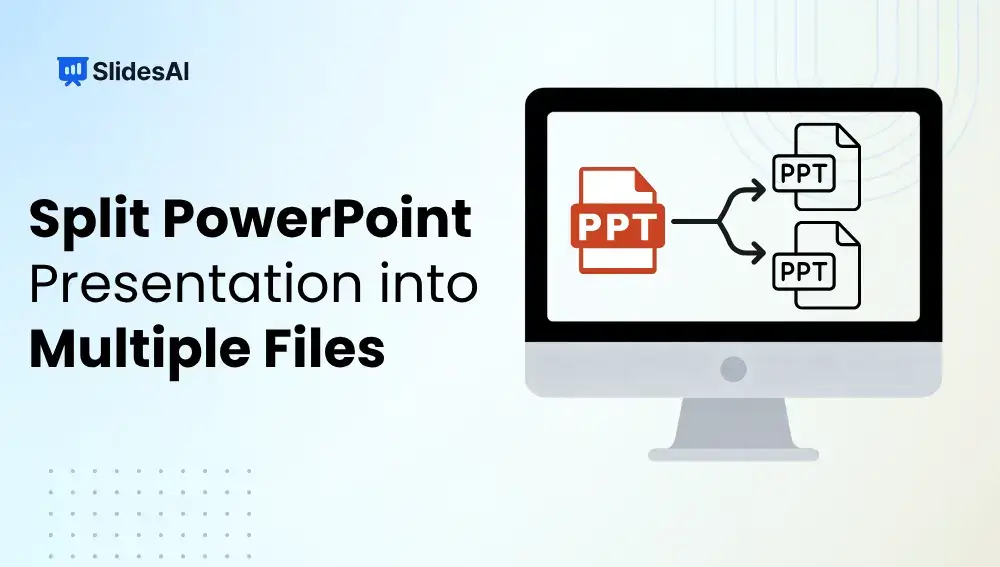
How to Split a PowerPoint Presentation into Multiple Files?
Working with a large PowerPoint presentation can quickly become overwhelming, especially when it covers multiple topics or needs to be shared with different audiences. Splitting your presentation into smaller, focused files makes it easier to manage, share, and present. Whether you are preparing separate decks for different teams, reducing file size for email, or organizing…
-

16 Best Presentation Tools for Students in 2026
Creating presentations is a big part of student life. Whether it’s for assignments, projects, or group discussions, a good presentation can help you stand out. But picking the right tool can be confusing with so many options available. Don’t worry. This guide will help you choose the best presentation tools for students to make your…
Got any book recommendations?