Mindblown: a blog about philosophy.
-

How to Create an Organizational Chart in Google Slides?
Learn to create a detailed organizational chart in Google Slides with step-by-step instructions. Explore three easy methods for effective team planning and management to enhance clarity and communication
-
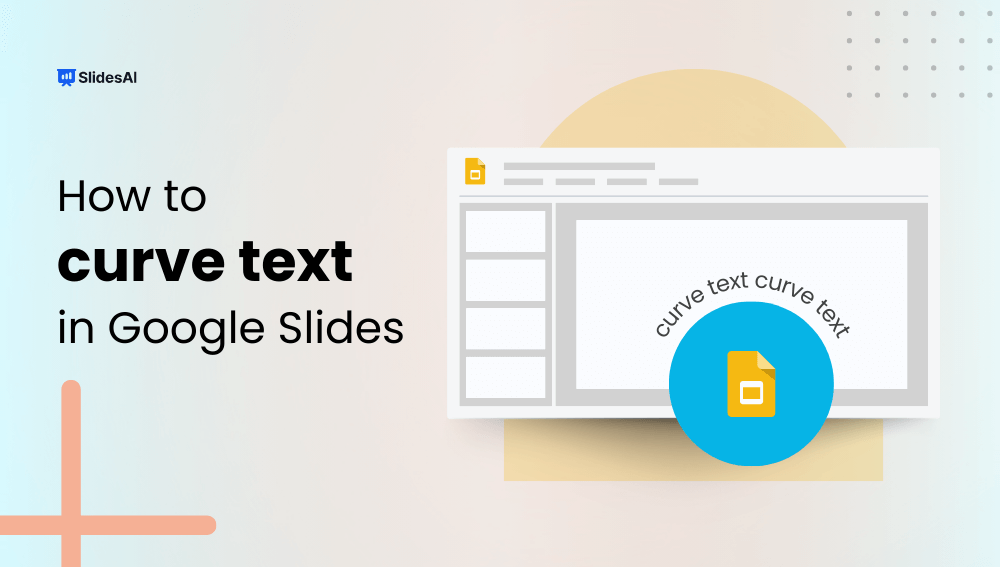
How to Curve Text in Google Slides?
You can curve text in Google Slides by using text box rotation, Word Art styling, or external design tools to mimic a curved text effect. While Google Slides does not include a built-in feature specifically for curving text, there are several simple workarounds that allow you to create similar visual results. The easiest method is…
-
Mastering Teamwork: Tips for Giving a Group Presentation
Group presentations are a common part of school, college, and professional life. Whether you’re presenting in class, pitching to clients, or sharing project results with colleagues, working as a team adds a new layer of challenge. Unlike solo presentations, group presentations require coordination, smooth transitions, and a shared message to make an impact. When done…
-

How to Remove the Background of a Picture in a Google Slides
Learn how to remove the background of a picture in Google Slides. Learn how to use the built-in tool or external tools like Remove.bg and Canva.
-

How to Blur an Image in Google Slides?
Learn how to blur an image in Google Slides with this comprehensive, step-by-step guide. Enhance your presentations effortlessly with visually polished effects that add a professional and creative touch.
-

How to Make a Calendar in Google Slides?
Google Slides, a powerful tool for creating presentations online, offers a range of features to make your slides more engaging. One such feature is the ability to add a calendar directly into your presentation. Many professionals rely on Google Calendar to manage their schedules, and including a calendar in your Google Slides presentation can effectively…
-

How to Make a Word Cloud in Google Slides?
Creating visual presentations can be a bit tricky, especially when you want to make your data look interesting and easy to understand at the same time. That’s where a word cloud comes in—it’s a simple yet great tool for displaying text data in a fun and clear way. If you’ve been wondering how to make…
-

How to Create a Quiz in Google Slides?
Creating engaging quizzes is more than just putting together a few questions and calling it a day. It’s about crafting an engaging experience that captivates your audience. One of the versatile platforms to create interactive quizzes is Google Slides.
-

How To Add Watermark To Google Slides?
Do you sometimes see a faint logo or text appearing in the background of an image or document? That’s a watermark, a useful way to add a subtle mark of ownership to your digital work. But how do you add a watermark to Google Slides presentations, and why might you want to use one?
-

How to Add Blooket Into Google Slides?
Adding Blooket to Google Slides is a simple yet powerful way to make your presentations more interactive and engaging. Instead of switching between multiple tabs during a lesson or meeting, you can seamlessly integrate Blooket games directly into your slide deck to maintain attention and boost participation. This guide explains the fastest and most effective…
Got any book recommendations?