Mindblown: a blog about philosophy.
-

How to Change Slide Size in PowerPoint?
Sometimes, when you often create presentations, you might find yourself in a situation where you need to prepare your slides on one device but present them on another. This can cause your slides to look different depending on the device. It’s a good idea to learn how to adjust the slide size or aspect ratio…
-
How AI Can Enhance PowerPoint Presentations?
Creating a polished, engaging presentation doesn’t have to be stressful. You can instantly improve a PowerPoint presentation with AI. Imagine turning a long, text-heavy report into a clean, visual presentation in minutes, with charts and layouts that look professional. That’s what AI can do for you. It can automate mundane tasks, leaving you more time…
-
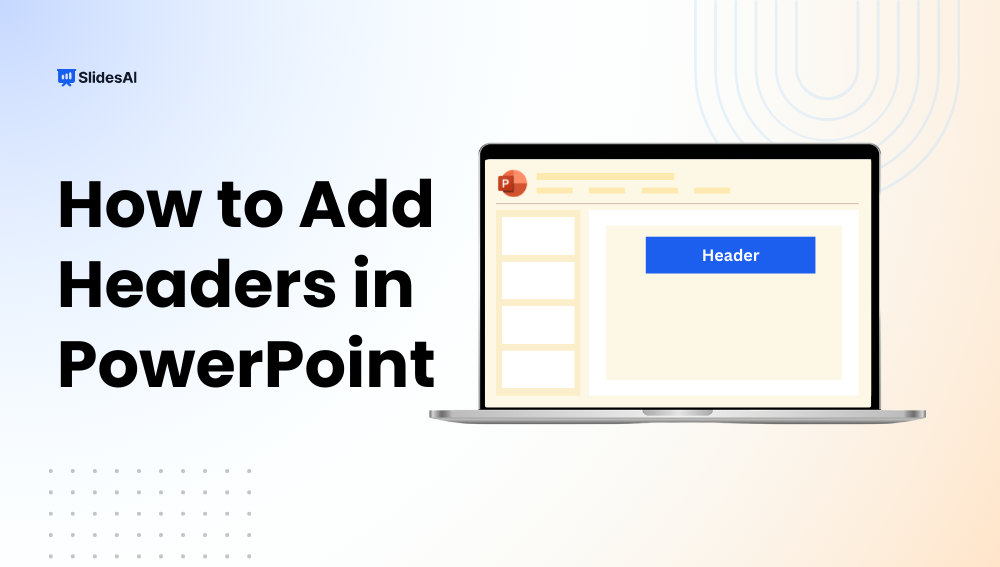
How to Add a Header in PowerPoint?: A Quick Guide
Adding a header in PowerPoint is a smart, easy way to give your slides a professional look and keep key details front and center, like your presentation title, company name, or a brief tagline. In just a few clicks, you can add headers that appear on all slides or just the ones you choose. This…
-
200+ Persuasive Presentation Topics, Examples & Structure
Creating a persuasive presentation can be challenging. Research shows that most audiences prefer talks lasting not more than 10-15 minutes, and 35% of millennials engage only with a compelling story. Therefore, choosing the right persuasive presentation topics is the first step towards truly connecting with your audience. This guide shows you how to choose good…
-
How to Create Visuals for Presentations?
To create effective visuals for presentations, first identify the idea each slide needs to communicate, then choose a visual format that supports it. Use images for storytelling, charts for data, diagrams for processes, and icons or illustrations for simple concepts. Keep the design consistent, focused, readable, and accessible. The goal is not to make every…
-

How to Make a Good PowerPoint Presentation: A Complete Guide
It is no secret that a well-designed presentation helps you communicate your ideas clearly, keeps your audience engaged, and leaves a strong impression. Are you trying to learn how to create an effective PowerPoint presentation? You’ve clicked the right link! This guide is here to show you how to craft slides that are both visually…
-

How to Edit Footer in PowerPoint: A Step-by-Step Guide
To edit a footer in PowerPoint, go to Insert > Header & Footer, type your custom text, and click Apply to All to update every slide at once. To edit just one slide, click Apply instead. For full control over the footer’s font, size, color, and position, go to View > Slide Master, click the…
-

50+ Ice Breakers for Your Next Presentation
Starting a presentation can feel a bit awkward, especially when your audience is quiet or unsure of what to expect. That’s where ice breakers come in. These simple activities help you connect with your listeners, ease any tension in the room, and set a friendly tone for what’s coming next. Whether you’re teaching students, speaking…
-
How to Prepare for a Presentation: Tips to Speak with Confidence
Preparing for a presentation can feel overwhelming, whether you’re a student, teacher, or working professional. The good news is that it doesn’t have to be stressful if you know the right steps. Learning how to prepare for a presentation is the key to boosting confidence, staying organized, and delivering your message effectively. In this guide,…
-

How to Create Presentation Script Using AI?
Presentations are more than just slides. They are your story, your ideas, and your chance to interact with an audience. However, presentations run smoothly if you have a well-written script that keeps the audience focused. Thanks to AI, generating professional presentation scripts has become effortless. Whether it’s a business pitch, a class lecture, or a…
Got any book recommendations?