Mindblown: a blog about philosophy.
-
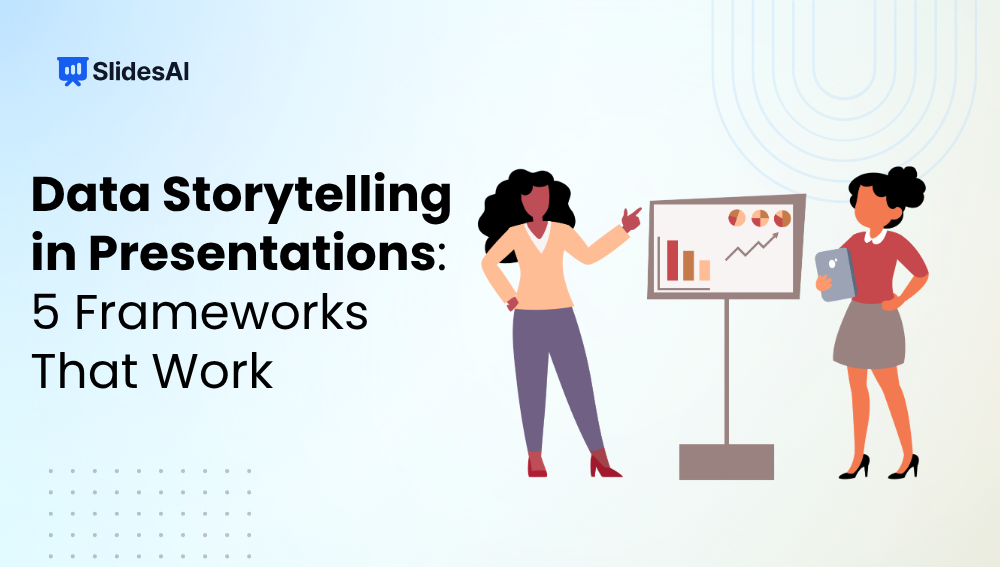
Data Storytelling in Presentations: 5 Frameworks That Work
Numbers can tell you what happened. A story explains why it happened and what to do next. That is the difference between presenting data and telling a story with data. Many presentations are packed with charts, graphs, and statistics, yet they fail to make an impact because the audience is left figuring out the message…
-

Create Effective Presentation Outlines: A Step-by-Step Guide
A presentation outline is like a roadmap for organizing your thoughts and delivering your message smoothly during a presentation. It helps you structure your content logically, ensuring that your audience can follow along easily. By providing a clear framework, an outline enhances the clarity and effectiveness of your presentation.
-
How to Make a Cinematic Presentation: Why Create One & Its Characteristics
Presentations have changed a lot over the past few years. Whether you’re pitching an idea to investors, teaching students in a classroom, or presenting a marketing strategy to clients, simply showing information on slides is no longer enough. Audiences are exposed to content everywhere, which means keeping their attention has become more challenging than ever.…
-
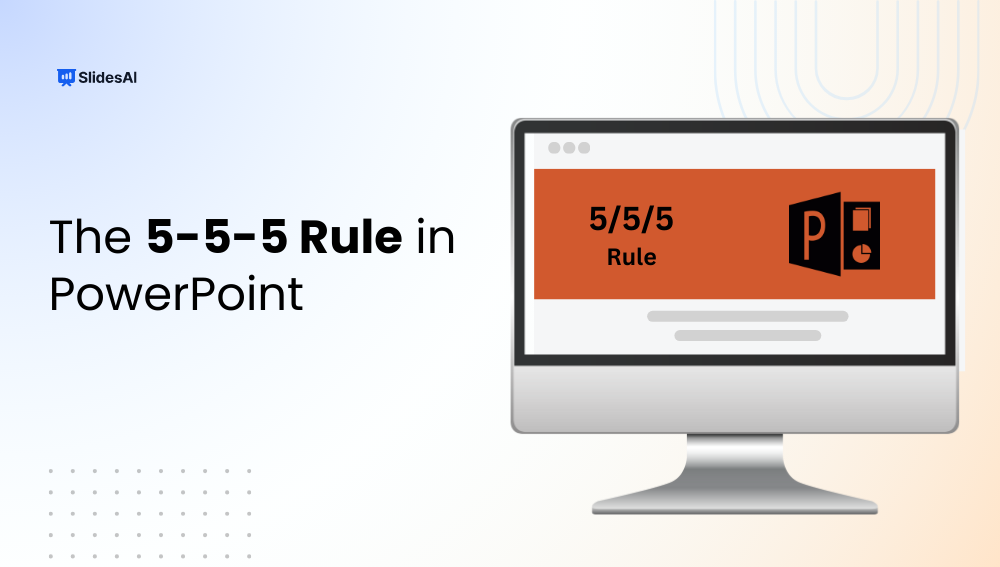
The 5-5-5 Rule in Presentation: A Simple Guide to Cleaner, Clearer Slides
Ever felt that your slides look too crowded or your audience is reading more than listening? That’s where the 5-5-5 presentation rule helps. Whether you’re creating slides in Microsoft PowerPoint, Google Slides, or another presentation tool, this simple guideline keeps your slides clean, your message clear, and your audience focused on you rather than the…
-
What Is the 10-20-30 Rule in Presentation?
Creating a presentation is easy. Keeping your audience engaged from start to finish is often the real challenge. That’s where the 10-20-30 Rule comes in. This simple presentation framework is widely used to make slides clearer, presentations shorter, and messages easier to remember. In this blog, we’ll take a look at how the 10-20-30 Rule…
-
How to Build Board Deck Presentations with SlidesAI
Instead of building presentations from scratch, teams can now create polished board deck presentations much faster while still maintaining professionalism and clarity. What Are Board Decks & Why Do They Matter? A board deck presentation is a structured presentation used to communicate important business information to leadership teams, executives, board members, or investors. These presentations…
-

Presentation Design Rules: How to Make Slides That Really Work
Professionals giving pitches, instructors creating lecture slides, and students working on class projects all require visually appealing and simple-to-follow slides. However, if you don’t know where to begin, creating a presentation can feel overwhelming. You can create slides that effectively convey your message and capture the audience’s interest by adhering to tried-and-true design rules for…
-

What is a Placeholder in PowerPoint: Types & How To Add It?
Ever wondered why some PowerPoint presentations look instantly polished? The secret is PowerPoint placeholders. Placeholders may look like simple “Click to add text” boxes, but they help you add and organize text, images, and media while keeping every slide consistent and professional. Want to create cleaner, more engaging slides? Let’s explore what is a placeholder…
-
How to Use SlidesAI Templates to Instantly Create Professional Slides?
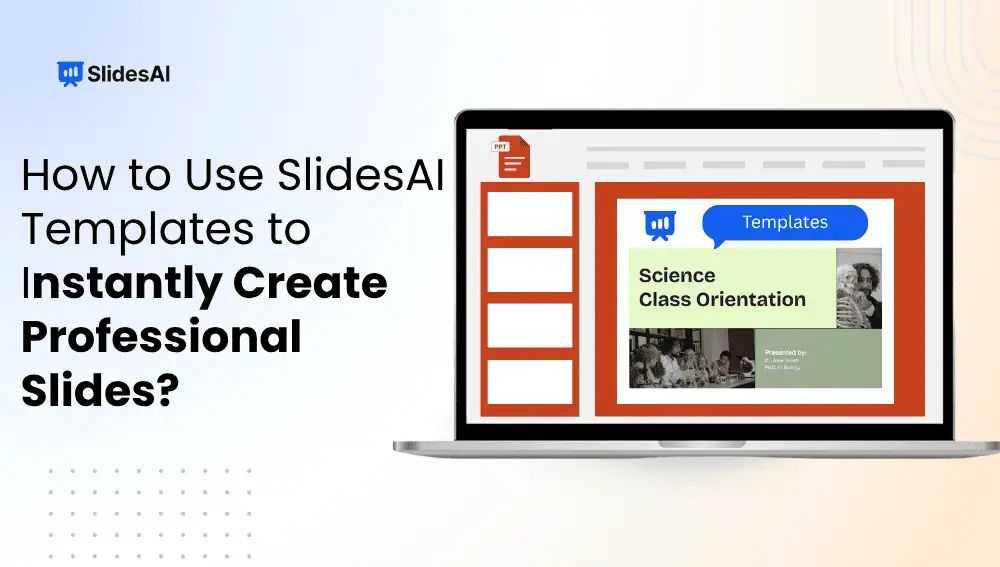
Instead of spending hours designing every slide manually, you can use ready-made templates and AI-powered tools to create professional presentations much faster. In this guide, you will learn how to use SlidesAI presentation templates and how to generate polished presentations step by step.
-
How to Change the Language of Your Presentation Using SlidesAI?
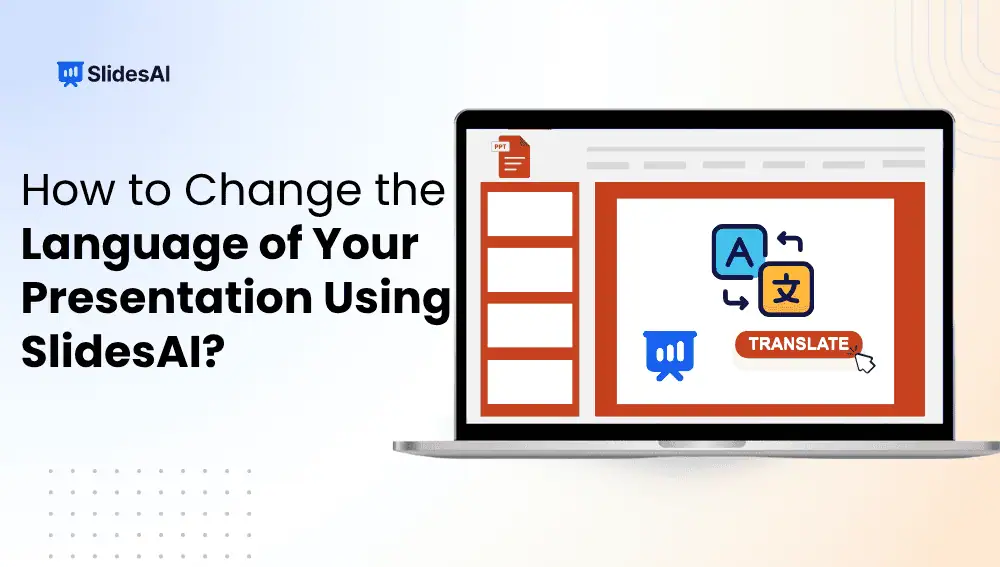
Manually translating every text box, heading, and bullet point is not just tedious, it’s time-consuming and leaves plenty of room for errors. Whether you’re addressing an international team, pitching to global clients, or hosting a cross-border webinar, language barriers can seriously weaken the impact of your message.
Got any book recommendations?