Mindblown: a blog about philosophy.
-
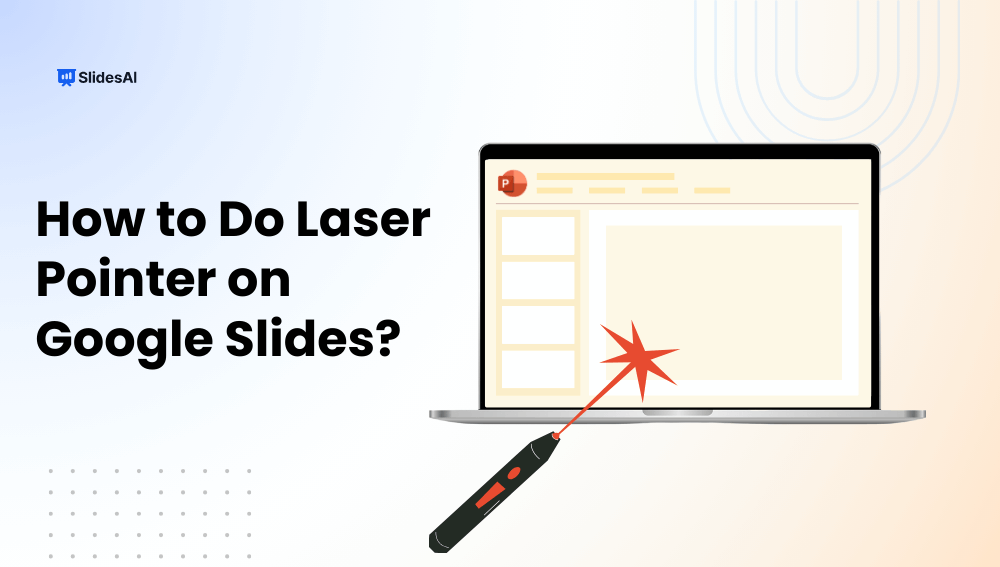
How To Do a Laser Pointer on Google Slides?
Presenting on Google Slides becomes more engaging when you can guide your audience’s focus effectively. The built-in laser pointer lets you highlight key points in real time, making your slides easier to follow and visually impactful. In this step-by-step guide, you’ll learn how to use the laser pointer in Google Slides, along with tips, shortcuts,…
-

How to Translate Google Slides Presentations?
The world is becoming increasingly connected, and sharing your ideas with a global audience is easier than ever. But when your presentation is in one language and your audience speaks another, you might face a hurdle. Fear not! While Google Slides doesn’t have a built-in translation feature, several methods can help you bridge the language…
-

How to Add Bullet Points in Google Slides (Desktop, Mobile & Chromebook)
n today’s fast-paced world, people have short attention spans when it comes to reading and understanding information. Whether it’s blogs, posts, or presentations, people usually skim through the content. To make sure people read what you share, it’s crucial to present it in an easy-to-understand format. There are many ways to display lots of information…
-

How to Import Themes into Google Slides – 6 Simple Steps
How long have you been staring at that default white Google Slides theme and wishing you could make your presentations reflect your own style? We’ve all been there. As functional as Google Slides is, it lacks new-age templates. But don’t settle for bland and boring! Your slides deserve better. Dressing them up with a gorgeous…
-

35 Presentation Design Trends You’ll See Everywhere in 2026
If you’re working on a presentation this year, it’s worth paying attention to the design trends that are starting to take over. Whether you’re building slides for a pitch, a classroom session, or a team meeting, how your presentation looks can shape how people respond to it. From bold typography and animated layouts to minimalist…
-

How to Get Normal Google Slides Templates Back?
Accidentally lost your default Google Slides templates or switched to a custom theme you don’t like? Don’t worry, getting back to the original, clean Google Slides templates is quick and easy. Whether you’re working on a school project, business presentation, or anything in between, this guide will walk you through simple steps on how to…
-

How to Add Notes in PowerPoint?
Keeping track of everything you want to cover in a presentation can be tough. To avoid cramming too much text onto your slides and to make sure you don’t miss any key points, some presenters use notes or flashcards. Another polished way to present your slides is by using speaker notes in PowerPoint. In this…
-
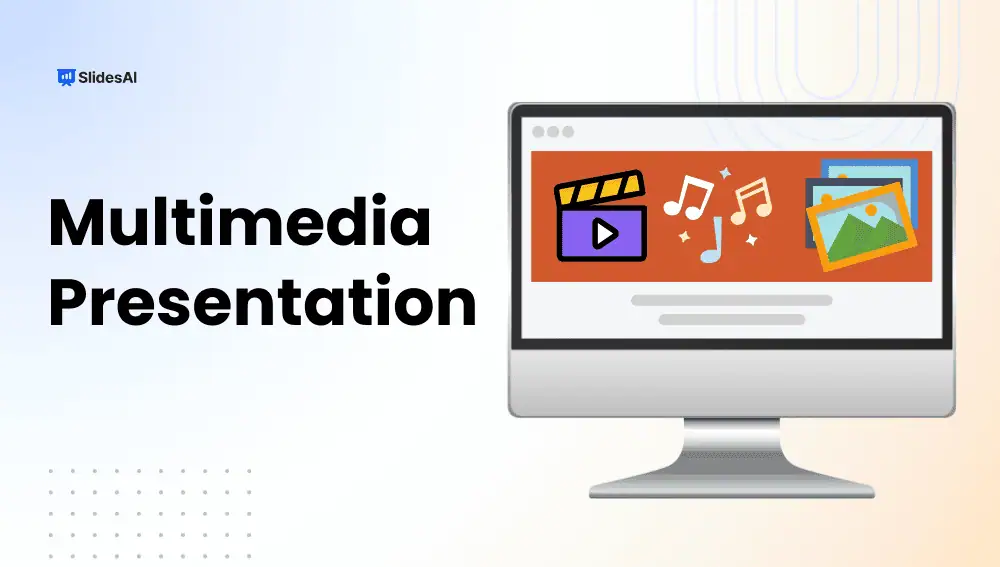
What is a Multimedia Presentation? A Complete Guide
A multimedia presentation combines text, images, audio, video, animations, and interactive elements to deliver information in a highly engaging and impactful way. Unlike traditional static slides, multimedia presentations capture attention, reinforce understanding, and appeal to multiple senses, making them ideal for education, business, marketing, and training.
-
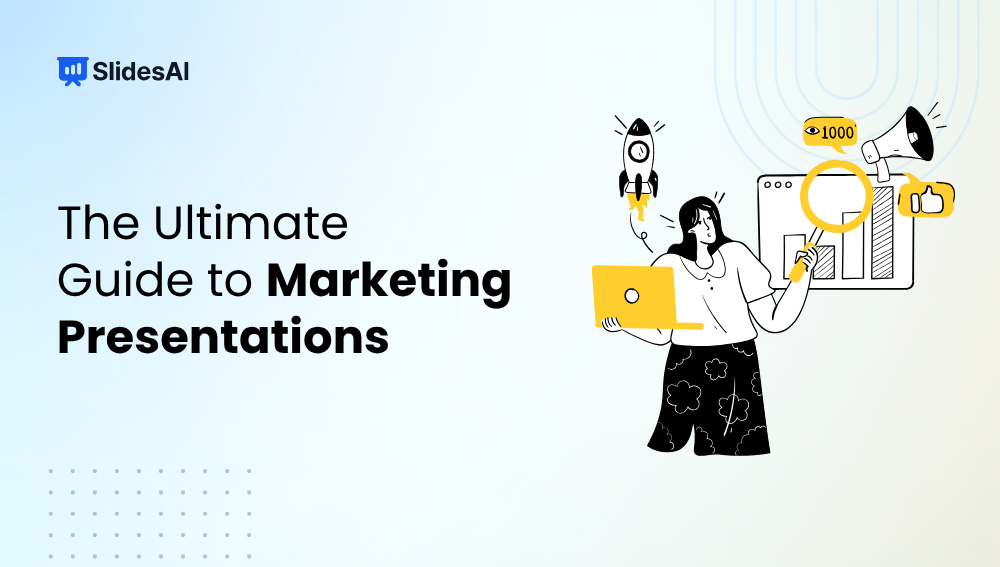
How to Create Marketing Presentations?
A marketing presentation is more than just a set of slides; it’s your chance to tell a story that sells your brand, product, or idea. Whether you’re pitching to clients, presenting campaign results, or introducing a new strategy, a strong marketing presentation helps you communicate with clarity and impact. In this guide, you’ll learn how…
-

How Many Slides You Should Have Per Presentation?
From 5-minute talks to hour-long sessions, discover how many slides you need for a presentation of any length. Learn the general thumb rule, and practical tips.
Got any book recommendations?