Author: abhagsain
-

How to Use Find and Replace in PowerPoint to Replace Text?
Have you ever needed to update a name, date, product feature, or other important word in your presentation slides? The best way to go about it is by using the find and replace in PowerPoint. It allows you to quickly find and change words and phrases across multiple slides instantly. In this guide, we will…
-

How to Start a Presentation?
How do you grab your audience’s attention the moment you step into the spotlight? The opening moments of a presentation can make or break its success. Studies show that people will assess your credibility by observing your body language and vocal traits, forming opinions about your proficiency within half a minute. This emphasizes the importance…
-

Create Effective Presentation Outlines: A Step-by-Step Guide
A presentation outline is like a roadmap for organizing your thoughts and delivering your message smoothly during a presentation. It helps you structure your content logically, ensuring that your audience can follow along easily. By providing a clear framework, an outline enhances the clarity and effectiveness of your presentation.
-
The 5-5-5 Rule in Presentation: A Simple Guide to Cleaner, Clearer Slides
Ever felt that your slides look too crowded or your audience is reading more than listening? That’s where the 5-5-5 presentation rule helps. Whether you’re creating slides in Microsoft PowerPoint, Google Slides, or another presentation tool, this simple guideline keeps your slides clean, your message clear, and your audience focused on you rather than the…
-
How to Build Board Deck Presentations with SlidesAI?
Instead of building presentations from scratch, teams can now create polished board deck presentations much faster while still maintaining professionalism and clarity. What Are Board Decks & Why Do They Matter? A board deck presentation is a structured presentation used to communicate important business information to leadership teams, executives, board members, or investors. These presentations…
-

Presentation Design Rules: How to Make Slides That Really Work
Professionals giving pitches, instructors creating lecture slides, and students working on class projects all require visually appealing and simple-to-follow slides. However, if you don’t know where to begin, creating a presentation can feel overwhelming. You can create slides that effectively convey your message and capture the audience’s interest by adhering to tried-and-true design rules for…
-

What is a Placeholder in PowerPoint: Types & How To Add It?
Ever wondered why some PowerPoint presentations look instantly polished? The secret is PowerPoint placeholders. Placeholders may look like simple “Click to add text” boxes, but they help you add and organize text, images, and media while keeping every slide consistent and professional. Want to create cleaner, more engaging slides? Let’s explore what is a placeholder…
-
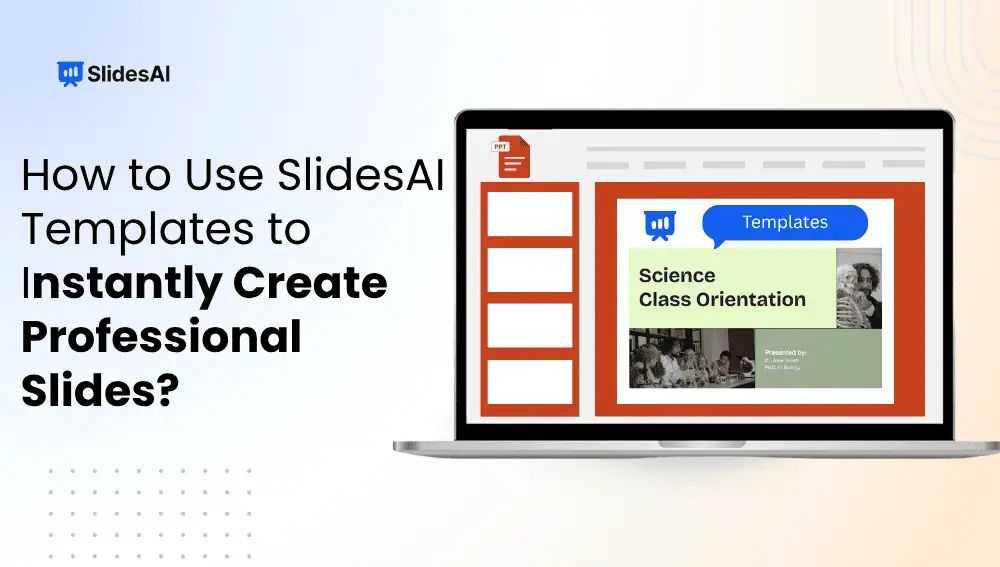
How to Use SlidesAI Templates to Instantly Create Professional Slides?
Instead of spending hours designing every slide manually, you can use ready-made templates and AI-powered tools to create professional presentations much faster. In this guide, you will learn how to use SlidesAI presentation templates and how to generate polished presentations step by step.
-
How to Change the Language of Your Presentation Using SlidesAI?
Manually translating every text box, heading, and bullet point is not just tedious, it’s time-consuming and leaves plenty of room for errors. Whether you’re addressing an international team, pitching to global clients, or hosting a cross-border webinar, language barriers can seriously weaken the impact of your message.
-
How to Generate AI Images for Presentations Without Design Skills
Finding the right images, matching styles, and maintaining design consistency can slow down your presentation-making process, which is where AI image generation tools help. Today, you can use AI directly inside PowerPoint and Google Slides, or use tools like SlidesAI to create custom visuals within minutes! In this guide, you will learn how to generate…