Author: abhagsain
-

Introducing Mermaid Diagrams in SlidesAI
Build clearer presentations with Mermaid diagrams in SlidesAI. Explore 17 diagram types, use AI to make edits, and export diagrams as PNG or SVG.
-

New in SlidesAI: Create World Map Charts for Your Presentations
SlidesAI introduces world map charts for presentations. Learn how to visualize country data, highlight regional patterns, and make your insights easier to understand.
-
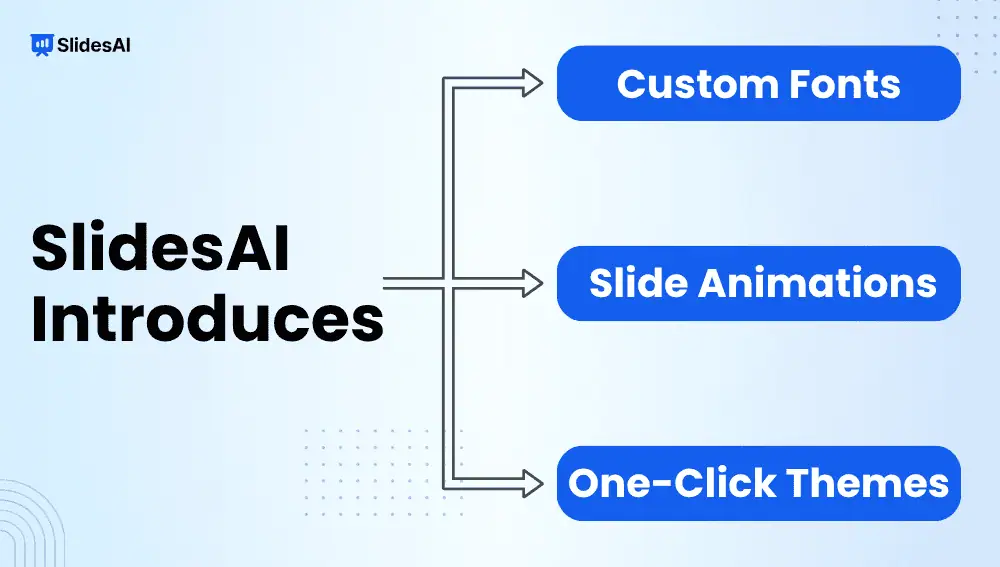
Introducing Custom Fonts, Slide Animations, and One-Click Themes in SlidesAI
SlidesAI introduces custom fonts, slide animations, and one-click theme change. Discover how these features help you customize and enhance your presentations.
-

Introducing the Theme Panel in SlidesAI: Transform Your Presentation in One Click
You’ve finished your presentation. The content is in place, the slides are structured, and everything works, but the design still doesn’t feel quite right. Maybe the colors don’t match the tone you’re going for. Maybe the fonts aren’t quite right. Or perhaps you simply want to see what your presentation would look like with a…
-

Introducing Custom Fonts in SlidesAI: Design Presentations with Your Own Fonts
Your presentation can have the right message, the right colors, and the right layout, but if the font is wrong, it can still feel off-brand. SlidesAI can structure your content and build a deck quickly, but once that deck exists, it still has to look like you made it, not like a template. Typography is…
-

Master Google Slides Shortcuts for Effortless Presenting
Efficiency is crucial in the fast-paced world of presentations. A wealth of keyboard shortcuts is included with Google Slides, a potent tool for creating visual narratives to facilitate navigation and speed up task completion. Whether you are a novice or an experienced presenter, using these Google Slides shortcuts can significantly improve your workflow. By keeping…
-
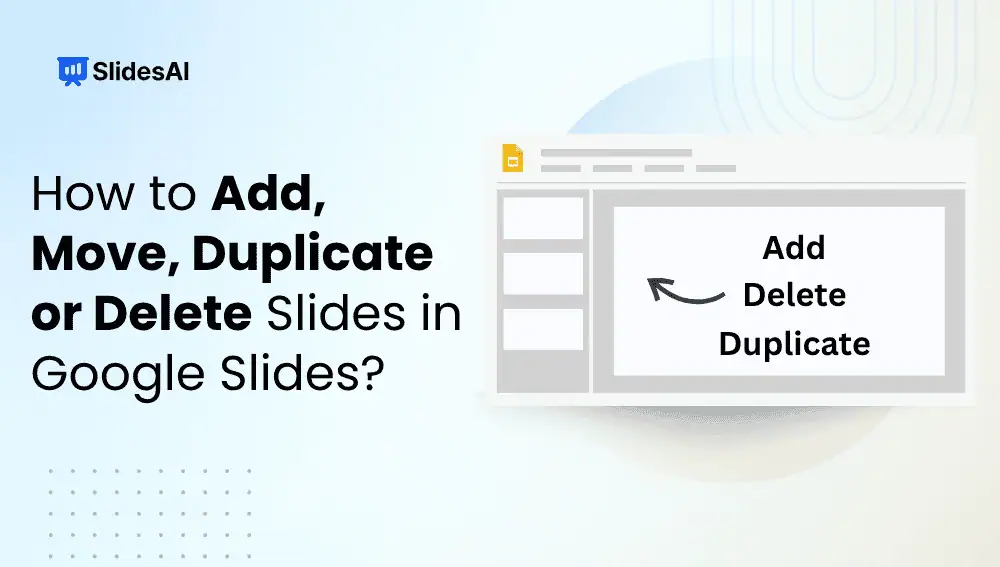
How to Add, Move, Duplicate or Delete Slides in Google Slides?
Learn how to add, move, duplicate or delete slides in Google Slides with this step-by-step guide. Keep your presentation clean and consistent.
-

How to Create a Sales Presentation That Closes Deals
To create a sales presentation, start by researching your audience and defining the sales objective. Then build a buyer-focused story around the prospect’s problem, your solution, measurable benefits, proof, and a clear next step. Finally, simplify the slides, add relevant visuals, rehearse the delivery, and prepare for objections. What is a Sales Presentation? A sales…
-

The Anatomy of a High-Converting Presentation
You can have the best product, the strongest proposal, or a genuinely great idea. But if your presentation fails to convince people, none of that really matters. We’ve all sat through presentations packed with information that somehow go nowhere. The audience listens, nods, and then moves on without taking action. On the flip side, some…
-

Presentation Slide Structures for Investor Pitches & Workshops
Discover slide structures for investor pitches, sales decks, strategy, and workshops presentations that help you organize content and engage audiences.