Author: whirlwind
-

How to Set Presentation Objectives: Examples & Best Practices
Have you ever sat through a presentation and wondered what the speaker was actually trying to achieve? Sometimes the slides look great. The information seems useful. Yet by the end, you’re not entirely sure what the main takeaway was supposed to be. That usually happens when a presentation lacks clear objectives. Whether you’re creating a…
-
Catchy Presentation Titles: Tips to Grab Your Audience
Learn how to create catchy presentation titles that grab attention, spark curiosity, and make your audience eager to hear what you have to say.
-

Presentation Framework: 5 Steps to Create Better Presentations
Most presentations do not fail because the topic is boring. They fail because too much information gets packed into too little time, the message becomes unclear, or the delivery lacks energy and direction. You have probably sat through presentations where slide after slide appeared on the screen, yet you walked away unsure of the main…
-
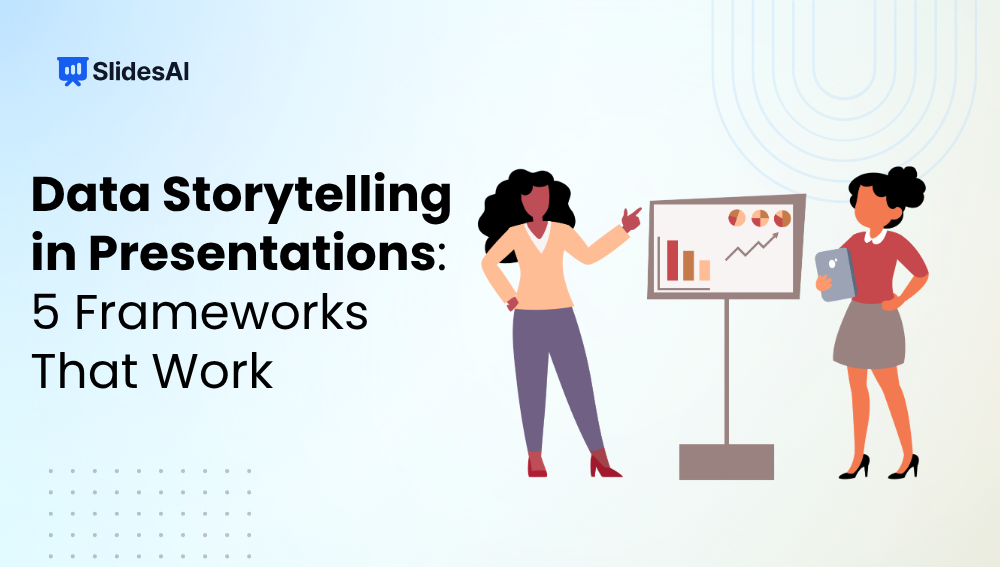
Data Storytelling in Presentations: 5 Frameworks That Work
Numbers can tell you what happened. A story explains why it happened and what to do next. That is the difference between presenting data and telling a story with data. Many presentations are packed with charts, graphs, and statistics, yet they fail to make an impact because the audience is left figuring out the message…
-
How to Make a Cinematic Presentation: Why Create One & Its Characteristics
Presentations have changed a lot over the past few years. Whether you’re pitching an idea to investors, teaching students in a classroom, or presenting a marketing strategy to clients, simply showing information on slides is no longer enough. Audiences are exposed to content everywhere, which means keeping their attention has become more challenging than ever.…
-
What Is the 10-20-30 Rule in Presentation?
Creating a presentation is easy. Keeping your audience engaged from start to finish is often the real challenge. That’s where the 10-20-30 Rule comes in. This simple presentation framework is widely used to make slides clearer, presentations shorter, and messages easier to remember. In this blog, we’ll take a look at how the 10-20-30 Rule…
-

How to Simplify Complex Information for Presentation Slides
Have you ever looked at a slide and felt overwhelmed before the presenter even started speaking? It happens more often than you think. Many presentations become difficult to follow because too much information is packed into a single slide. The challenge is not just reducing content. It is making sure the audience still understands the…
-

How to Make a Product Launch Presentation?
A product launch presentation is a structured walkthrough of your product, usually aimed at investors, customers, or internal teams. Instead of just listing features, it shows the problem, your solution, and why it matters. Think of it as telling a story that helps people see the product’s value clearly.
-
7 Types of Pitch Decks Every Small Business Owner Needs
Not all pitch decks are the same. Discover 7 types of pitch decks, what is the purpose and focus for each one, and how to choose the right one for your goal.
-
How to Split a PowerPoint Presentation into Multiple Files?
Working with a large PowerPoint presentation can quickly become overwhelming, especially when it covers multiple topics or needs to be shared with different audiences. Splitting your presentation into smaller, focused files makes it easier to manage, share, and present. Whether you are preparing separate decks for different teams, reducing file size for email, or organizing…