Mindblown: a blog about philosophy.
-

How to Create Quarterly Business Review Presentations with AI?
Creating a quarterly business review means spending hours on editing charts, rewriting summaries, and fixing slide layouts. In this guide, you will learn how to present quarterly business review updates faster, avoid common QBR mistakes, understand different QBR formats, and see how AI tools like SlidesAI can reduce the time spent creating presentation decks. What…
-
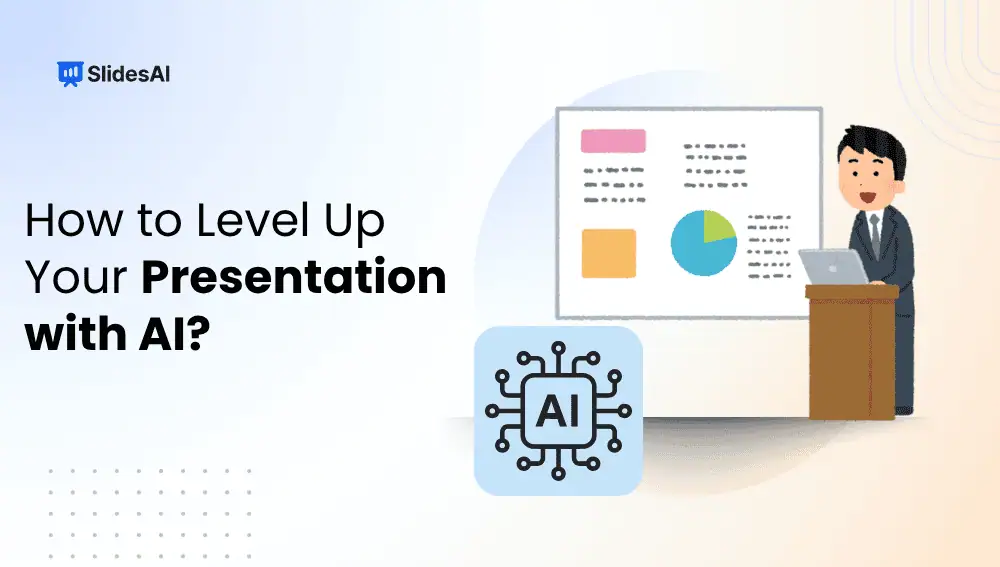
How to Level Up Your Presentation with AI: 7 Smart Ways
This guide shows you exactly how to use AI to build presentations that look polished and communicate clearly, even if your design experience begins and ends with changing the slide background color.
-

32 Common Presentation Mistakes to Avoid
If you’ve ever sat through a dull or confusing PowerPoint presentation, you already know how quickly it can lose your attention. Whether you’re creating slides for a classroom, a meeting, or a professional pitch, your goal is to make the message clear and engaging. But sometimes, small mistakes like overcrowded slides, inconsistent fonts, or too…
-
What Are Good Prompts to Turn a Report into Bullets or a Slide Outline?
Long reports are useful, but they are not always easy to present. A 20 page document may contain strong ideas, research, and conclusions, but pulling out the important parts takes time. This is where prompts can help. In this blog, we will take a look at ready to use prompts that help turn reports into…
-
Prompt to Get ChatGPT to Make a Full PowerPoint Presentation
Creating a presentation from scratch can take longer than most people expect. You need to decide the structure, write slide content, organize ideas, and make sure the flow feels natural. Many people spend more time figuring out what goes on each slide than actually presenting. This is where ChatGPT becomes useful. Instead of staring at…
-
SlidesAI vs Microsoft Copilot for Teachers: Which One Is Better?
When comparing SlidesAI with Microsoft Copilot, the decision mainly depends on your existing tools, your budget, and how advanced your presentation needs are. If your institution uses Microsoft 365, Copilot may fit naturally into your workflow. However, if you rely on Google Slides and need a quick, affordable solution, SlidesAI may be a better option.
-

Different Types of Slides for Your Presentations
There are many different kinds of slides you can add to your presentations, each with its own purpose and advantages. By knowing the different types of slides and how to use them well, you can create interesting and informative presentations that will stick with your audience.
-
Stop Paying Freelancers for PowerPoint Decks: Use AI Instead
Discover how AI tools can create professional PowerPoint presentations faster and cheaper than freelancers while maintaining quality and customization.
-

How to Add Comments on Google Slides?
Google Slides allows you to collaborate easily with others on presentations, and one helpful feature is the ability to add comments. Comments are notes you can leave for yourself or others, helping to highlight suggestions, ask questions, or provide feedback. Using comments in Google Slides is a great way to enhance teamwork and communication, especially…
-

How to Add a Header in Google Slides?
If you want to create well-structured and branded presentations, learning how to add a header in Google Slides can help. Unlike Google Docs, Slides does not offer a dedicated header field. However, you can easily create and manage a header using text boxes.
Got any book recommendations?