
As a teacher, you’re constantly juggling lesson planning, grading, and finding new ways to keep students engaged. It’s a lot to manage, especially with everything else on your plate.
That’s where AI tools come in. They’re here to help ease some of that workload and add an extra layer of creativity to your teaching. From automating repetitive tasks to creating interactive lessons, these tools can not only boost your productivity but also make your classroom more engaging for students.
Let’s dive into some of the best AI tools that can make your teaching life a little easier and a lot more exciting.
Top 19 AI Tools for Teachers: A Quick Glance
| Tool | Category | Best For | Key Feature | Pricing |
|---|---|---|---|---|
| SlidesAI | Interactive Presentations & Engagement | Turning text/outlines into slides fast | Generates full Google Slides decks from a topic or script | Free tier; paid plans for higher usage |
| Canva Magic Studio | Interactive Presentations & Engagement | Visual design + presentations | Magic Write, Magic Design, and Magic Media AI tools built into Canva | Free; Canva Pro for full AI features |
| Undetectable AI | Assessment & Grading | Detecting AI-written student submissions | Scans text to identify AI-generated content and flags it for teacher review | Free tier; paid plans from $9.99/month |
| Twee | Interactive Presentations & Engagement | ESL/EFL lesson materials | Generates CEFR-leveled dialogues, reading passages, and YouTube-based comprehension questions in 10 languages | Free plan (20 text runs/month, 10 media runs/month); Pro at $11.95/month or $7.49/month billed annually |
| Memrise | Interactive Presentations & Engagement | Vocabulary practice via spaced repetition | Video clips of native speakers paired with gamified recall drills | Free tier; premium subscription for full course access |
| MagicSchool AI | All-In-One Planning & Workflow | Broad, all-purpose teaching assistant | 80+ tools spanning lesson plans, IEPs, feedback, and communication | Free tier; Plus around $8.33/month billed annually |
| Brisk Teaching | All-In-One Planning & Workflow | In-browser assistance while grading/planning | Chrome extension that works directly inside Google Docs/Classroom | Free tier; paid tiers for schools/districts |
| Eduaide.Ai | All-In-One Planning & Workflow | Fast resource generation across subjects | 110+ resource types with one-click ELL and IEP differentiation | Free tier; paid plans starting at $5.99/month |
| AudioPen | All-In-One Planning & Workflow | Turning spoken notes into organized text | Records voice memos and cleans them into structured written notes | Free tier; paid plan for unlimited recordings |
| Jotform AI | All-In-One Planning & Workflow | Building custom forms, quizzes, and intake surveys | AI-generated forms/quizzes from a prompt or uploaded file | Free tier (5 agents, 100 conversations/month); paid plans from $34–$39/month, up to $99/month |
| Turnitin | Assessment & Grading | Plagiarism and AI-writing detection | Originality reports plus AI-generated text detection | Institutional/district licensing only |
| Gradescope | Assessment & Grading | Streamlining exam and assignment grading | AI-assisted grouping of similar answers for faster, consistent grading | Institutional licensing (often bundled with Turnitin) |
| Numbas | Assessment & Grading | Randomized, auto-marked math assessments | Computer algebra system that generates and manipulates randomized mathematical expressions, with LMS integration | Free and open-source |
| Diffit | Assessment & Grading | Differentiating reading materials by level | Generates reading passages, comprehension questions, and vocabulary at any grade level from a topic, URL, PDF, or YouTube video | Free tier; Individual Teacher plan $14.99/month or $149.99/year |
| Maths.ai | Specialized Subject | Step-by-step math problem solving | AI tutor that walks through math problems with explanations | Free tier; subscription for advanced features |
| SciSpace | Specialized Subject | Reading and understanding research papers | AI explains and summarizes academic papers, ideal for advanced/AP science classes | Free tier; premium subscription for full-text AI features |
| Labster | Specialized Subject | Virtual science labs | Simulated, interactive lab experiments for biology, chemistry, and physics | Institutional/school licensing |
| Photomath | Specialized Subject | Instant math problem solving via camera | Scan a problem for step-by-step solving explanations | Free tier; Photomath Plus subscription for deeper explanations |
| Drops | Specialized Subject | Visual vocabulary building | Icon- and game-based vocabulary drills across 40+ languages | Free tier (limited daily time); premium subscription for unlimited use |
Best AI Tools for Teachers
Here’s a closer look at the best AI tools for teachers:
Interactive Presentations & Engagement
1. SlidesAI

SlidesAI is a tool that helps you turn your notes, lesson outlines, or even a single topic into a full presentation without needing design experience. It works with Google Slides and PowerPoint, integrates with ChatGPT, and is also available as a standalone web app, so you can create clean, professional-looking slides by just pasting your content into the box. You can also type a topic like “Photosynthesis for Class 6,” and the tool will generate an entire presentation around that. It’s especially useful for teachers who want to save time on formatting and focus more on the content.
Features:
- Converts text or a topic into a full presentation
- Works directly with Google Slides and PowerPoint, integrates with ChatGPT, and is also available as a standalone web app
- Supports over 100 languages
- Gives access to icons, citations, and over 1.5 million stock images
- The basic plan is free. Pro costs $9.99 per user/month. Premium is $19.99 per user/month
- Offers a variety of pre-designed templates to help you get started quickly
Price:
- Basic – Free
- Pro – $12.00/month
- Premium – $25.00/month
Streamline lesson planning and create student-engaging presentations effortlessly with SlidesAI – the best AI presentation maker!
<SlidesAICTAWeb />
2. Canva Magic Studio

Canva Magic Studio adds AI to the regular Canva platform, making it even easier to design educational content. You can type a sentence like “Create a science fair poster for Class 8,” and the AI will come up with layouts, text, and designs you can tweak. It’s a big time-saver if you regularly create presentations, worksheets, or announcements. Canva also offers ready-made templates designed for classrooms.
Features and Pricing:
- Includes Magic Design, Write, and Animate
- Offers thousands of education-focused templates
- Lets you collaborate with others in real-time
- Free for educators through Canva for Education
Pricing:
- Canva pro – $18/month
- Canva Business – $25/month
3. Undetectable AI
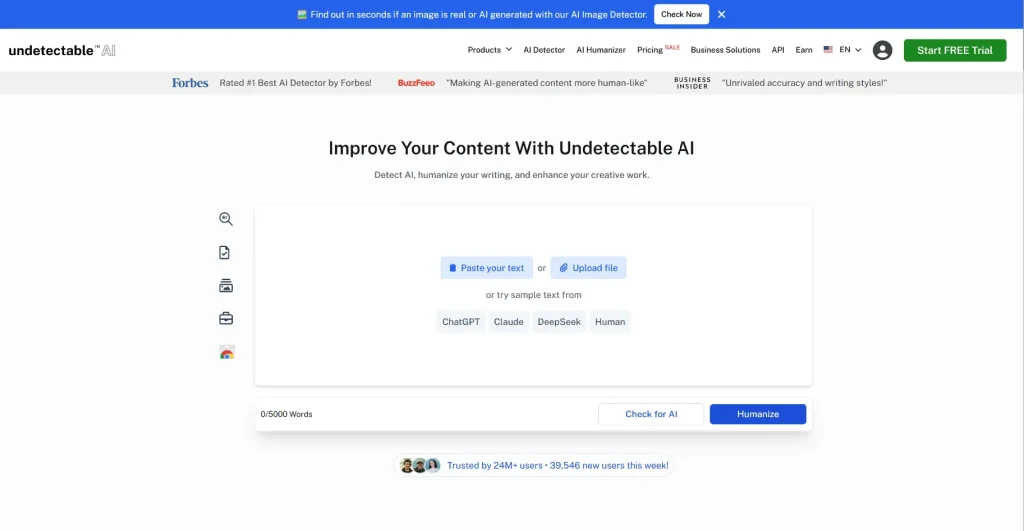
Undetectable AI is an AI detector built for teachers who want a fast, reliable way to check whether AI wrote a student’s submission. While tools like Turnitin focus on plagiarism and originality reporting, Undetectable.ai is specifically designed to identify AI-generated text from tools like ChatGPT, Gemini, and Claude. You paste in a student’s essay or written response, and the tool scans it instantly, returning a clear result on how likely the content is to have been AI-written. It works across multiple AI detectors simultaneously, including GPTZero, ZeroGPT, Originality.ai, Turnitin, Copyleaks, and more, giving teachers a comprehensive picture rather than a single data point.For English teachers especially, this is a practical first-pass check before investing time in detailed written feedback. If a submission comes back flagged, you can follow up directly with the student rather than spending an hour marking work that turns out not to be theirs. It does not replace professional judgment, but it adds a reliable layer of academic integrity checking to your workflow without requiring any technical setup.
Features and Pricing:
-
Scans student writing and returns an AI detection score instantly
-
Checks across multiple leading AI detectors simultaneously, including GPTZero,Originality.ai, Turnitin, Copyleaks, ZeroGPT, Scribbr, and more
-
Supports detection of content from all major AI writing tools, including ChatGPT, Claude ,and Gemini
-
Also includes an AI humanizer for teachers who want to refine AI-assisted drafts before sharing them with students
-
No technical setup required, paste text and get a result in seconds
-
Available as a web tool with no installation needed
Pricing:
-
Free – Basic AI detection with limited monthly scans
-
Essentials – $9.99/month for up to 10,000 words per month
-
Pro – $19.99/month for up to 50,000 words per month
-
Unlimited – $49.99/month for unlimited scans, ideal for teachers managing large class sets
4. Twee
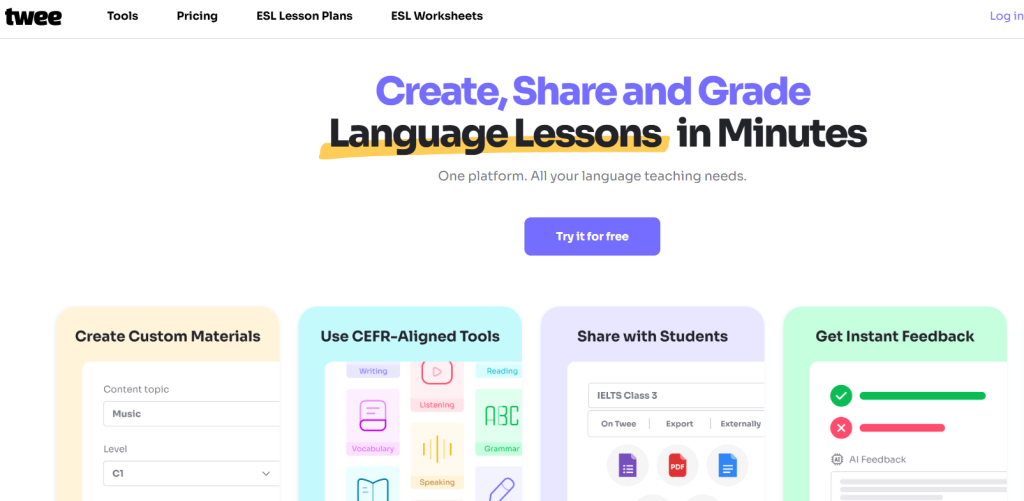
Twee is a tool for generating quizzes, rubrics, and lesson ideas from any reading or topic. Teachers copy a passage into the tool, and it creates multiple-choice or short answer questions instantly. You can also get a grading rubric along with it. This saves you hours of planning time and ensures your assessments stay aligned with standards.
Key Features
- Creates quizzes and worksheets with one click
- Auto-grading and data analysis
- Differentiates content by ability
- Connects with learning platforms
- Aligns with Bloom’s taxonomy
Pricing:
- Twee trial: Free
- Twee basic: $9.00/ month
- Twee pro: $15.00/month
5. Memrise

Memrise mixes memes, videos, and native-speaker clips to help students remember language patterns in context. It uses spaced repetition and humour to make abstract grammar easier to understand. Teachers can create their own vocab paths or grammar quizzes and let students practise independently.
Key Features
- Native speaker video clips
- Meme-style vocabulary aids
- Reviews that adapt based on performance
- Community-created content
- Works offline
Pricing
- Lifetime membership – $329.99
- Annual – $61.99
- Monthly – $24.99
All-In-One Planning & Workflow
6. MagicSchool AI

MagicSchool is made specifically for teachers. It’s a collection of over 50 small tools that help with different teaching tasks. You can generate a full lesson plan, modify text to suit different reading levels, write student feedback, and more. It’s especially helpful if you have students with diverse learning needs. Each tool is labelled by its purpose, so you can quickly pick what you need.
Features:
- Over 50 AI tools for classroom use
- Supports IEPs and differentiation
- Offers ready-made prompts for teachers
Pricing:
- Free
- Plus: $12.99/month
- Enterprise: Custom plans
7. Brisk Teaching

Brisk Teaching is a browser extension that helps you while you’re working online. It lets you adjust reading levels, give feedback on assignments, or rewrite content instantly. It works well in Google Docs and other browser-based platforms. For example, if you’re reading a student’s writing, you can highlight a section and ask Brisk to simplify it, reword it, or even check for plagiarism. It’s meant to make your workflow smoother during class prep and marking.
Features and Pricing:
- Adjusts reading levels and gives AI feedback
- Detects plagiarism
Pricing:
- Free for every teacher
- Premium – Custom Pricing
- Intelligence – Custom Pricing
8. Eduaide.AI

Eduaide is like a smart teaching assistant that helps you create lesson plans, assessments, and classroom resources. Each feature is separate, so you can pick exactly what you need.
It can also help with admin tasks like feedback and differentiated learning support.
Features and Pricing:
- Creates plans, quizzes, rubrics, and writing prompts
- Offers cross-subject content and standard alignment
Pricing:
- Basic – Free
- Eduaide Pro – $5.99/month
- Schools & Districts – Custom pricing
9. AudioPen

AudioPen turns your spoken thoughts into clear, clean writing. It’s perfect for teachers who prefer to speak instead of type when planning or reflecting.
You just talk, and the tool removes fillers and presents a summarized version of your notes.
Features and Pricing:
- Converts voice to text
- Offers easy editing
- Web-based and simple to use
Pricing:
- 3 Months – $33
- 1 Year – $99
- 2 Years $159
10. Jotform AI
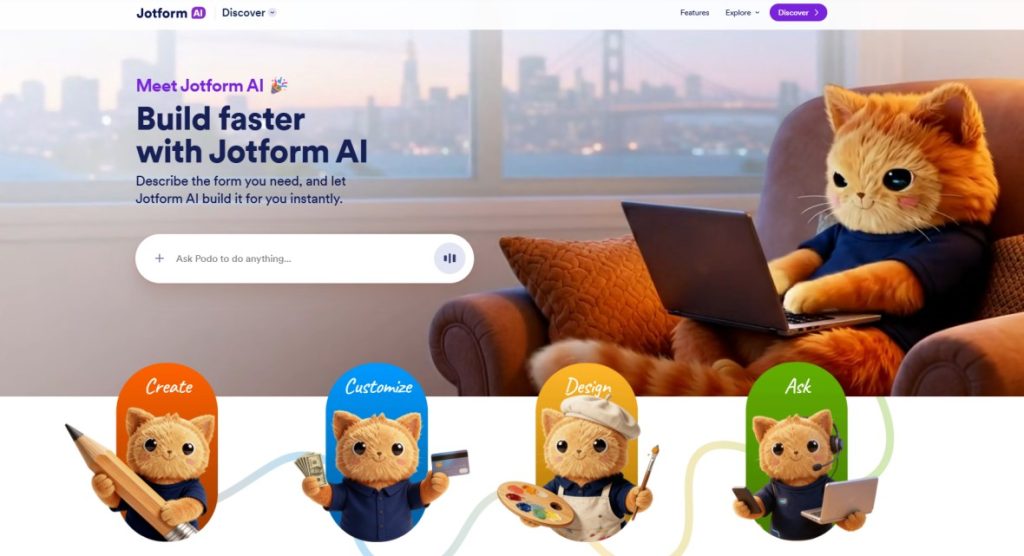
Jotform AI helps teachers quickly create forms for quizzes, feedback, registrations, and classroom activities without spending time on manual setup. Instead of building forms step by step, you can simply describe what you need using text or voice, and it generates a ready-to-use form in seconds.
This makes it especially useful for educators who want to collect structured responses, manage student information, or organize classroom workflows more efficiently.
Features:
- Creates quizzes, surveys, and feedback forms using simple prompts
- Supports conditional logic for more dynamic forms
- Easy to edit and customize without technical skills
- Works smoothly across desktop and mobile devices
Pricing:
- Starter – Free
- Bronze – $39/month
- Silver – $49/month
- Gold – $129/month
- Enterprise – Custom pricing
Assessment & Grading
11. Turnitin

Turnitin is used by many schools and colleges to check for plagiarism in student work. It scans written content and compares it against billions of sources online, in academic journals, and previous student submissions. Recently, it also added AI writing detection. Teachers receive a similarity report that shows which parts may have been copied or generated by AI, making it easier to maintain academic honesty.
Features:
- Scans assignments for copied or AI-generated content
- Detailed similarity reports with source links
Pricing:
- For individuals – Free
- For institutions – Need to register
12. Gradescope
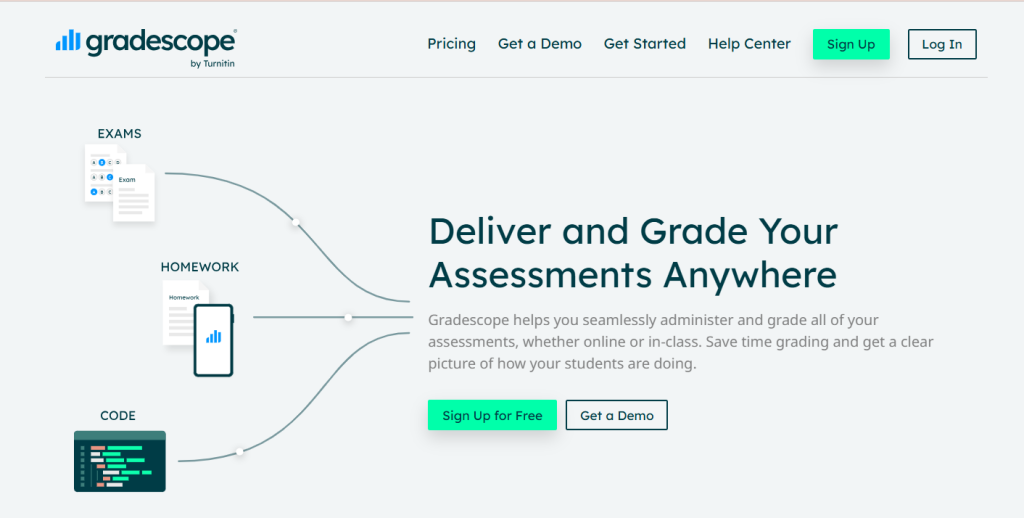
Gradescope helps speed up the grading process. You upload scanned student responses or collect digital answers. Then the AI groups similar answers together so you can grade them all at once. It also lets you build rubrics and give consistent feedback quickly. This is especially useful in large classes where manually grading each answer would take hours.
Features and Pricing:
- Group-based grading and smart rubrics
- Works for digital or scanned submissions
13. Numbas

Numbas is a browser-based assessment platform that lets you build dynamic math tests with automatic grading. You can randomize questions, embed diagrams, and integrate it with your LMS like Moodle. It’s great for practice or formal testing, and it even works offline.
Key Features
- Drag-and-drop question editor with no coding
- Auto-marks typed expressions and choices
- Adds videos and graphs to questions
- Supports LMS integration
Pricing:
- Basic – Free
- Institutional – On Contact
14. Diffit
Diffit is a great tool for simplifying reading materials for science classes. If you have a dense article or scientific text, Diffit can break it down into simpler versions for different reading levels. You also get vocabulary lists, discussion questions, and summaries to help guide your lesson.
Key Features
- Rewrites articles at different reading levels
- Generates questions and vocab lists
- Can work with PDFs, web pages, or pasted text
- Supports multilingual classrooms
- Exports to Google Docs or Slides
Pricing
- Basic – Free
- School plan – On contact
Specialized Subject
15. Maths.ai

Mathos AI helps with grading, giving feedback, and tutoring all at once. You upload lesson materials and the tool uses them to review homework, give hints, and track progress. It’s like an assistant that supports every student individually without you needing to do extra work.
Key Features
- AI grading with detailed error feedback
- Links hints to your lessons and videos
- Tracks how each student is progressing
- Works at scale with entire classes
Pricing:
- Basic – $5/user/month
- Standard – $3/user/month
- Most Preferred – $4/user/month
16. SciSpace
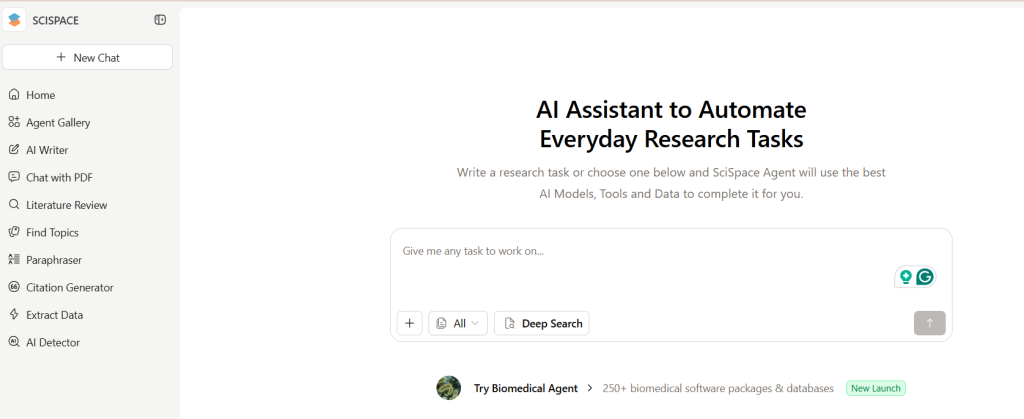
SciSpace helps teachers and students understand real research papers. If you want to bring current science findings into your lessons, this tool explains dense academic language in simpler terms. You can highlight graphs, results, or terms and get an instant breakdown.
Key Features
- AI summaries of research papers and figures
- Tools for highlighting, annotations, and notes
- Helps find relevant papers with smart search
- Creates summaries, concept lists, and citations
- Can be used collaboratively
Pricing:
- Premium – $20/month
- Advanced – $90/month
- Max – $200/month
17. Labster
Labster is like a full virtual science lab packed into your computer. Students can explore biology, chemistry, physics, and other lab-based topics by actually walking through simulations and using virtual tools. This works well when real lab time is limited or certain experiments are too risky or costly to do in person. Instead of just watching videos, students actively interact with the experiments.
Key Features
- Wide range of virtual labs across science subjects
- Realistic 3D lab environments and equipment
- Built-in quizzes and real-time feedback
- Matches with popular curricula and learning standards
- Teacher dashboard to track student progress
- Integrates with platforms like Moodle, Canvas, and more
- Students can access labs anytime
Pricing:
- Labster ExplorerTM – $$3,000/yr
- Labster Advanced – On contact
- Labster Elite – On contact
18. Photomath

Photomath uses your phone’s camera to scan and solve math problems. It not only solves them but also animates and explains each step. It works well in class projections or as a take-home assistant for students.
Key Features
- Solves handwritten or printed problems
- Animations that explain every step
- Supports various solving methods
- Handles word problems too
Pricing:
- Basic – Free
- Monthly – $9.99
- Annually – $69.99
19. Drops
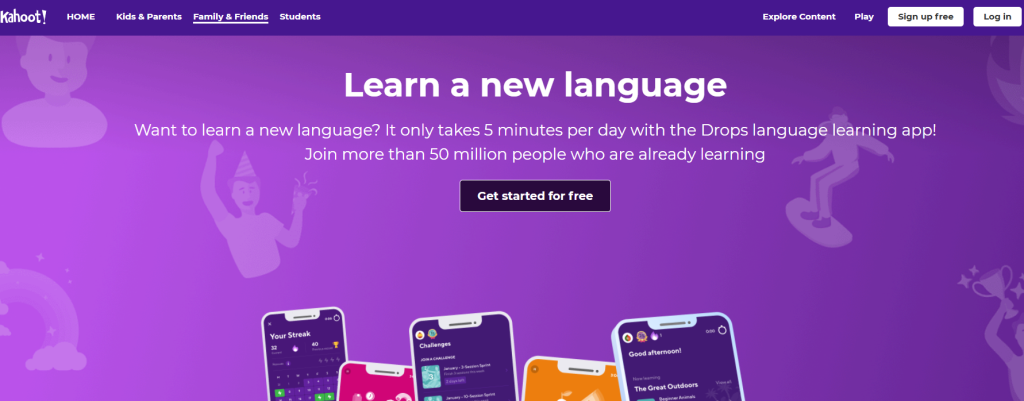
Drops teaches vocabulary through short, five-minute visual games. Each word comes with images and quick activities that help the meaning stick. You can assign themes like emotions, travel, or food and let students play at home. It’s perfect for ESL students and anyone just starting out with English.
Key Features
- Uses image associations for vocabulary
- Short 5-minute practice sessions
- Gamified rewards and streaks
- Works offline
- Custom vocab decks
Pricing:
- Monthly – $12.99
- Yearly – $69.99
- Onetime purchase – $159.99
Also Read: 10 Best Presentation Tools for Teachers
How to choose the best AI tools?
- Start with the problem you’re trying to solve. Pick a tool based on your actual bottleneck, not its popularity, whether that’s lesson planning, differentiation, or grading.
- Check how it handles student data. Look for FERPA/COPPA compliance and confirm whether the tool collects student data before rolling it out to a class.
- Weigh ease of use against your available time. Favor tools with a genuinely useful free tier and minimal setup, especially if you’re already stretched thin.
- Think about integration with your existing workflow. The best tool fits into what you already use, like Google Classroom or your LMS, instead of asking you to change your routine.
- Consider subject and grade-level fit. Purpose-built tools (Twee for ESL, Numbas for math, Labster for science) usually outperform generalists in their niche.
- Always review AI-generated content before using it. Treat AI output as a first draft and check accuracy before it reaches students.
- Compare free tiers before paying for anything. Test the free version against your real weekly workflow for a week or two before upgrading.
- Factor in whether your school will pay for it. Tools with school or district licensing options are easier to pitch to admins than single-seat-only subscriptions.
Closing Thoughts
The best AI tool for your classroom is the one that solves your actual bottleneck, not the one with the most features. Start small: pick one or two tools from this list that match your biggest time drain, test their free tiers, and check how they handle student data before rolling them out.
AI can’t replace good teaching, but it can clear the busywork out of the way so you have more time for what matters: your students.
<SlidesAICTA2 />
Frequently Asked Questions
Are these AI tools free for classroom use?
Many AI tools offer free versions with basic features. If you want more advanced options, you might need to upgrade to a paid plan or check if there’s a version made for schools.
Are AI tools suitable for non-native English teachers?
Yes. If you’re a non-native English teacher, AI tools can be a great support system. They help you check your lesson content for accuracy, suggest better phrasing, and even offer creative ways to present new topics.
Is SlidesAI useful for math teachers?
Yes. If you ever feel short on time, SlidesAI lets you turn your math notes or lesson plans into clean, professional slides in just a few clicks. It’s a helpful tool for quick prep before class.
Are AI-generated worksheets and quizzes customizable?
Definitely. Most platforms let you edit the questions, difficulty level, and format. You can change what you need to match your teaching style or your students’ needs.
Can AI tools customize lesson plans for different student levels?
Yes. Many AI tools let you adjust content based on each student’s pace or level. This helps you include everyone without having to create separate lesson plans from scratch.
What risks are associated with using AI in education?
You’ll want to watch out for students depending too much on AI or copying content without thinking. AI can also reflect bias sometimes. That’s why your guidance is so important. You help students use these tools responsibly and remind them that learning means more than just getting the right answer.
Related Posts
-

Presentations are essential in today’s educational environment for simplifying difficult subjects and facilitating students’ understanding…
-

Presentations have changed how you explain difficult subjects in today’s classroom. Engaging and interactive tools…
-

Creating presentations is a big part of student life. Whether it’s for assignments, projects, or…
-

{ “@context”: “https://schema.org”, “@type”: “ItemList”, “name”: “14 Best AI Tools for Students”, “description”: “A list…
-

Artificial intelligence is becoming a regular part of teaching. From creating lesson plans and designing…