Artificial intelligence is becoming a regular part of teaching. From creating lesson plans and designing presentations to generating quizzes, classroom activities, and visual learning materials, AI tools are helping teachers save time and handle everyday tasks more efficiently. One platform that has gained attention in recent years is Microsoft Copilot. Its integration with Microsoft 365 has made it a useful option for educators who already work within the Microsoft ecosystem. However, not every teacher uses PowerPoint or Microsoft tools every day. In this blog, we will take a look at some of the best Microsoft Copilot alternatives for teachers, why many educators are exploring other options, and which tools can help you create better classroom presentations with less effort.
Why Teachers Need Alternatives to Copilot?
While Microsoft Copilot offers useful AI capabilities, many teachers find themselves looking for tools that better match their classroom needs and workflows.
1. More Presentation-Focused Workflows
Copilot supports presentations, but it is designed as a general productivity assistant. Many teachers prefer tools that are built specifically for creating lesson slides and classroom presentations from start to finish.
2. Easier Interfaces
Some AI tools focus on simplicity and require very little setup. This can be helpful for teachers who want to create lessons quickly without learning a complex platform.
3. Better Classroom Engagement Tools
Teachers often need features that go beyond slide creation, such as quizzes, interactive content, visual storytelling, and student collaboration tools that keep learners engaged.
4. Google Slides Compatibility
Many schools rely heavily on Google Workspace. Teachers who create and share lessons through Google Slides may prefer tools that integrate directly with their existing workflow.
5. Lower Pricing and Free Plans
Budget is always a consideration. Several AI presentation tools offer generous free plans or education-focused pricing that can be more accessible for individual teachers and schools.
Microsoft Copilot Alternatives for Teachers for Presentations
1. SlidesAI
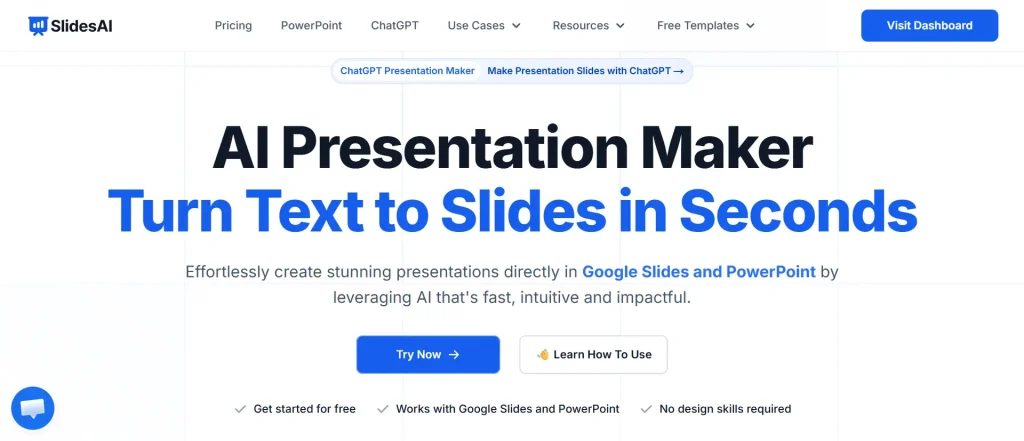
SlidesAI is an AI presentation Maker that helps teachers transform lesson notes, curriculum outlines, textbook content, or classroom materials into complete presentations within minutes. Instead of spending time arranging layouts, choosing designs, and formatting slides, you can focus on the actual lesson.
One of its biggest advantages is flexibility. Rather than being tied to a single platform, SlidesAI lets you create presentations wherever you work, however you want. You can build presentations directly inside Google Slides, use the Microsoft PowerPoint add in, generate presentations through its web app from any browser, or even create them inside ChatGPT with SlidesAI’s ChatGTP presenttion creator. Whether you are preparing a science lesson, a history lecture, or a professional development session, SlidesAI helps speed up presentation creation while maintaining a polished appearance.
Key Features
- Convert lesson notes, outlines, and educational content into presentations with one click.
- Create presentations in Google Slides, Microsoft PowerPoint, the SlidesAI web app, or directly inside ChatGPT.
- Multiple presentation styles suitable for classrooms, training sessions, and educational workshops.
- Automatically generates layouts, themes, fonts, and visual designs.
- Supports more than 100 languages.
- Includes summarization and paraphrasing tools for simplifying complex topics.
- Access to stock images, icons, and AI-generated visuals.
Best for: Teachers who want a quick and flexible way to turn raw lesson content into professional presentations.
<SlidesAICTAPowerPoint />
2. MagicSchool AI
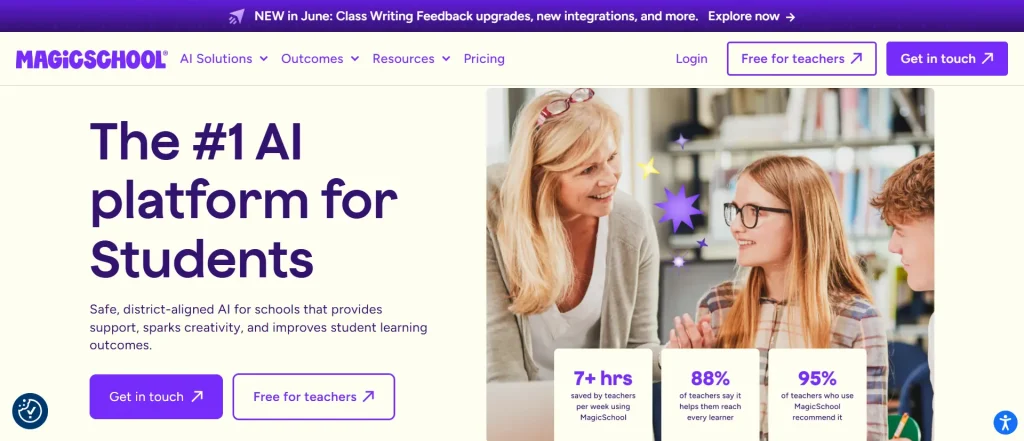
MagicSchool AI is built specifically for educators and focuses on supporting the entire teaching process rather than just presentations. While it is not primarily a slide creation platform, it works exceptionally well alongside presentation tools by helping teachers generate lesson plans, assessments, rubrics, classroom activities, and parent communications.
Many teachers view MagicSchool as a virtual teaching assistant that handles repetitive administrative work, allowing them to spend more time focusing on instruction and student support.
Key Features
- More than 50 AI tools designed specifically for teachers.
- Generates lesson plans, quizzes, rubrics, feedback, and classroom activities.
- Integrates with Google Classroom, Canvas, Schoology, and other learning platforms.
- Templates for differentiation and classroom management.
- Free tools available for educators.
Best for: Teachers who want AI support for lesson planning, communication, and classroom management in addition to presentations.
3. Canva for Education
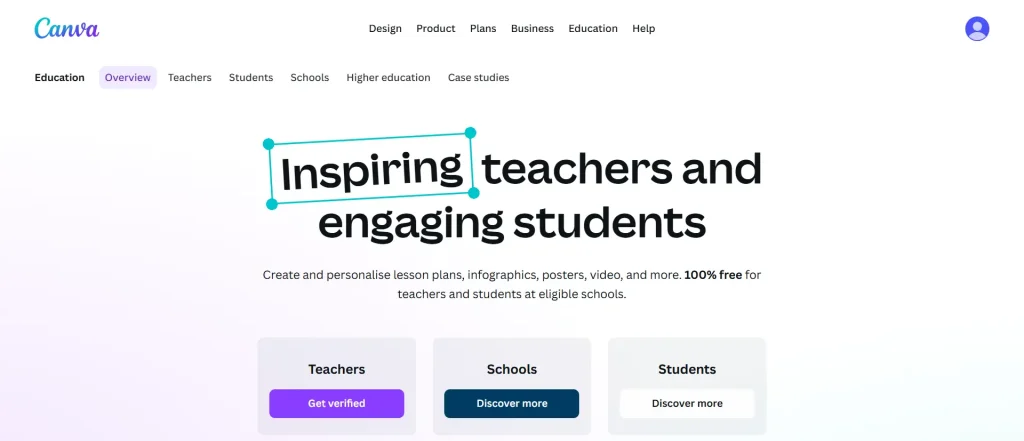
Canva has become one of the most popular tools among teachers because it combines presentation design, classroom resources, and AI features in one platform. Rather than focusing solely on slides, Canva allows you to create worksheets, posters, infographics, videos, and interactive learning materials.
Its education-focused templates make it easy to build visually engaging presentations without any design experience. Teachers can also add quizzes, voiceovers, and multimedia elements that help keep students involved during lessons.
Key Features
- Large collection of education-focused presentation templates.
- AI tools for lesson content creation and visual design.
- Interactive elements including quizzes and voiceovers.
- Collaboration tools for students and teachers.
- Free education plan for eligible schools and educators.
Best for: Teachers who want visually engaging presentations and classroom materials from one platform.
4. Gamma
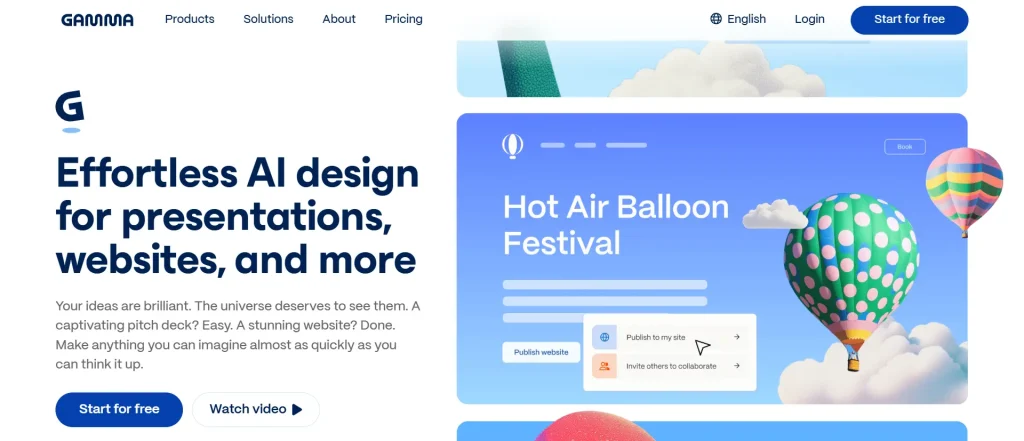
Gamma approaches presentations differently from traditional slide tools. Instead of creating standard slide decks, it generates modern, web-style presentations that feel more interactive and dynamic.
Teachers can upload documents, lesson plans, or prompts and quickly turn them into visually appealing presentations that students can access through shared links.
Key Features
- AI-powered presentation generation from prompts or uploaded content.
- Editable outlines before final deck creation.
- Multimedia support for videos, links, and embedded content.
- Modern layouts designed for online viewing.
- Export options for PowerPoint, PDF, Google Slides, and images.
Best for: Teachers who want interactive presentations that work well for flipped classrooms and self-paced learning.
5. Beautiful.ai
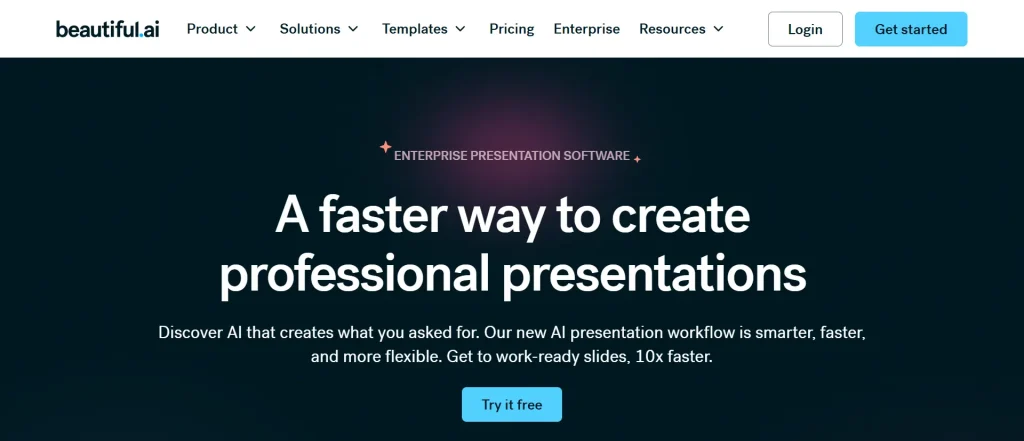
Beautiful.ai focuses heavily on presentation design. It automatically handles many of the design decisions that usually take time, such as spacing, alignment, formatting, and visual consistency.
For teachers who want professional-looking presentations without spending hours adjusting slides, Beautiful.ai can significantly reduce preparation time.
Key Features
- Smart Slides that automatically optimize layouts.
- Educational presentation templates.
- Built-in charts, graphs, and data visualization tools.
- Collaboration and commenting features.
- Education-focused plans available.
Best for: Teachers and schools that want polished presentations without needing design expertise.
6. Prezi
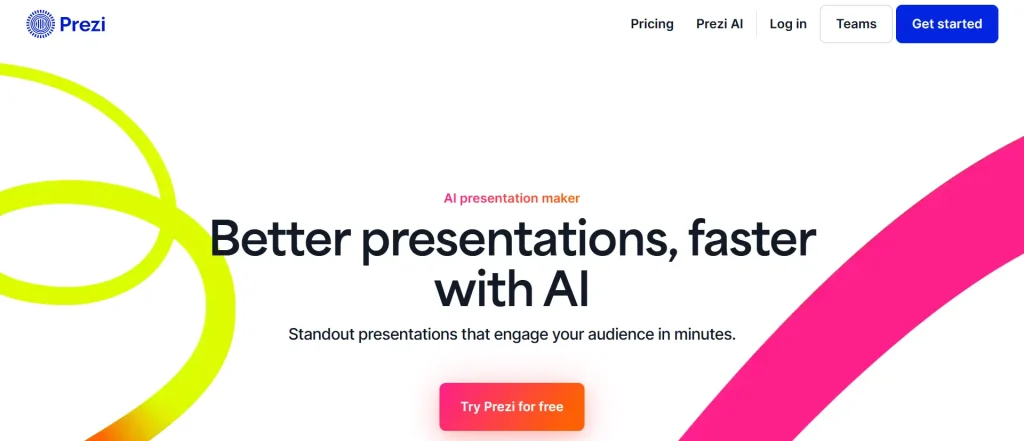
Prezi offers a unique presentation experience by replacing traditional slides with a zoomable canvas. Instead of moving slide by slide, teachers can guide students through concepts using visual pathways and storytelling techniques.
This format can be especially useful when explaining complex topics that involve relationships between ideas.
Key Features
- Zoomable presentation canvas.
- AI tools that convert lesson materials into presentations.
- Support for PowerPoint, Word documents, PDFs, and lesson plans.
- Editable AI-generated presentation outlines.
- Integrations with Google Classroom, Zoom, Google Meet, and more.
Best for: Teachers who want a more visual and story-driven approach to classroom presentations.
7. Google Gemini for Workspace
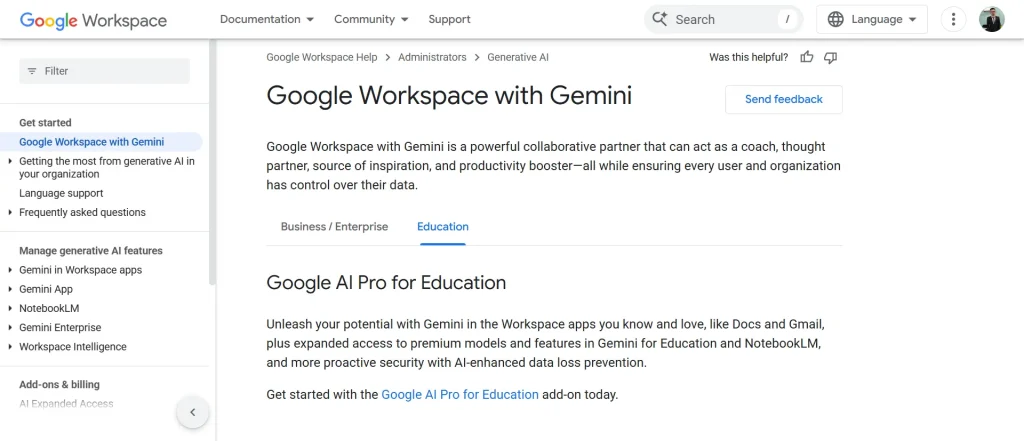
Google Gemini for Workspace brings AI assistance directly into the Google tools that many schools already use. Teachers can generate presentations, draft lesson content, summarize information, and create visuals without leaving the Google ecosystem.
For schools already invested in Google Workspace, Gemini offers a familiar and convenient way to add AI into everyday teaching tasks.
Key Features
- Create presentations from prompts or uploaded content.
- Export directly into Google Slides.
- AI assistance across Docs, Slides, and other Workspace apps.
- Generate images and presentation content from existing files.
- Available across several Google Workspace for Education plans.
Best for: Teachers and schools already using Google Workspace who want AI-powered presentation support within familiar tools.
Closing Thoughts
Microsoft Copilot can be a useful AI assistant, but it is not the only option available to educators. If your main goal is creating lesson presentations quickly, SlidesAI stands out because it is built specifically for transforming teaching content into classroom-ready slides and works directly inside Google Slides.
At the same time, other tools mentioned above also bring something different to the table. Some focus on lesson planning, some prioritize visual design, and others help create more interactive learning experiences. The right choice depends on how you teach, the tools your school uses, and the type of presentations you create most often.
<SlidesAICTA2 />
FAQs
What is the best Microsoft Copilot alternative for teachers?
For teachers focused on creating presentations quickly inside Google Slides, SlidesAI is one of the strongest alternatives because it converts lesson notes and teaching materials into structured slide decks with very little effort.
Which AI presentation tool is best for classrooms?
SlidesAI works particularly well for daily lesson presentations, while Canva, Gamma, Beautiful.ai, and Prezi are strong choices for teachers who want richer visuals, interactive content, or creative storytelling formats.
Are there free AI presentation tools for teachers?
Yes. MagicSchool AI offers free tools for educators, Canva for Education provides free access for eligible teachers and students, and several other platforms offer free plans or education-focused pricing.
Can AI tools help teachers create lesson slides?
Absolutely. Tools such as SlidesAI, Gamma, Prezi AI, and Google Gemini can turn lesson notes, outlines, or documents into complete presentations, helping teachers save significant preparation time.
Which AI presentation tool works with Google Slides?
SlidesAI is built directly for Google Slides and integrates seamlessly into the platform. Google Gemini also works within Google Workspace, while Gamma and several other tools allow presentations to be exported into Google Slides for further editing.
Related Posts
-

Presentations are essential in today’s educational environment for simplifying difficult subjects and facilitating students’ understanding…
-
When comparing SlidesAI with Microsoft Copilot, the decision mainly depends on your existing tools, your…
-

{ “@context”: “https://schema.org”, “@type”: “FAQPage”, “mainEntity”: [ { “@type”: “Question”, “name”: “Are these AI tools…
-
Most presentations do not fail because the topic is boring. They fail because too much…
-
Numbers can tell you what happened. A story explains why it happened and what to…