Mindblown: a blog about philosophy.
-
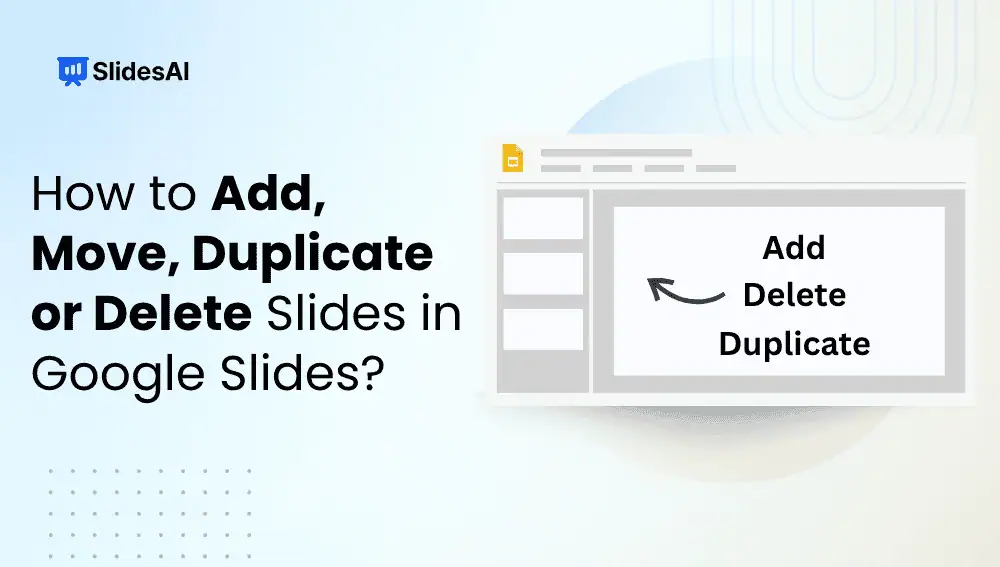
How to Add, Move, Duplicate or Delete Slides in Google Slides?
Learn how to add, move, duplicate or delete slides in Google Slides with this step-by-step guide. Keep your presentation clean and consistent.
-
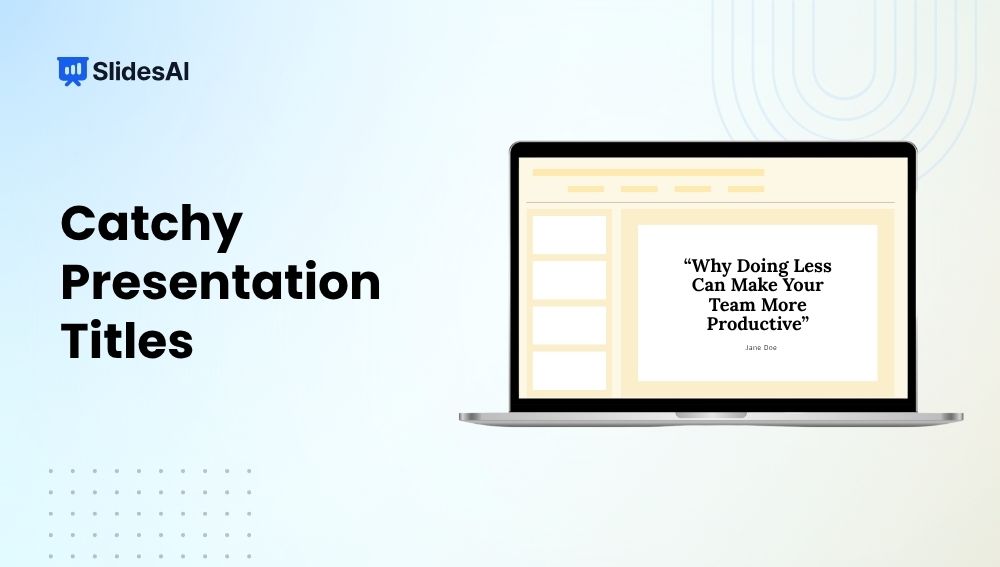
Catchy Presentation Titles: Tips to Grab Your Audience
Learn how to create catchy presentation titles that grab attention, spark curiosity, and make your audience eager to hear what you have to say.
-
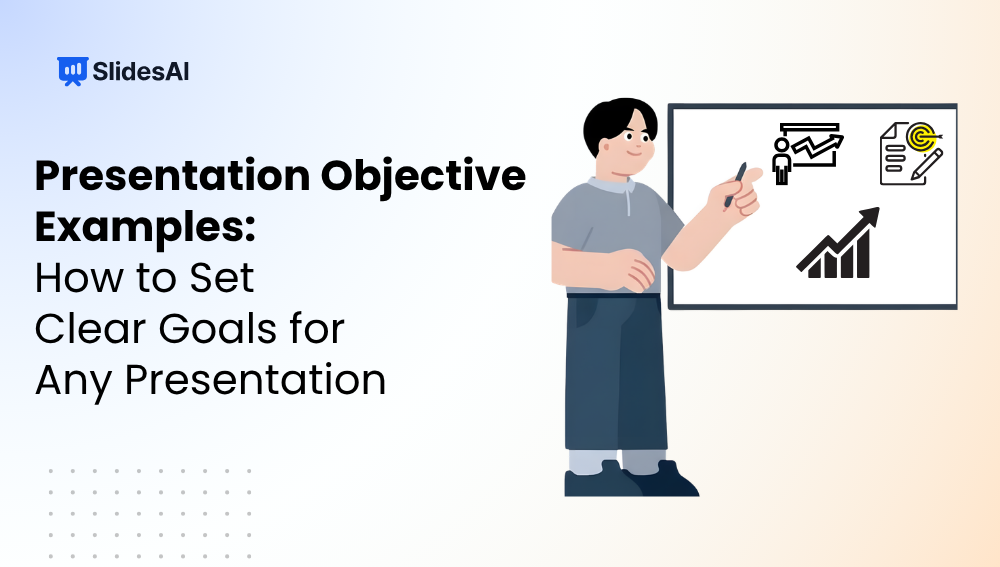
How to Set Presentation Objectives: Examples & Best Practices
Have you ever sat through a presentation and wondered what the speaker was actually trying to achieve? Sometimes the slides look great. The information seems useful. Yet by the end, you’re not entirely sure what the main takeaway was supposed to be. That usually happens when a presentation lacks clear objectives. Whether you’re creating a…
-

The Anatomy of a High-Converting Presentation
You can have the best product, the strongest proposal, or a genuinely great idea. But if your presentation fails to convince people, none of that really matters. We’ve all sat through presentations packed with information that somehow go nowhere. The audience listens, nods, and then moves on without taking action. On the flip side, some…
-

Presentation Slide Structures for Investor Pitches & Workshops
Discover slide structures for investor pitches, sales decks, strategy, and workshops presentations that help you organize content and engage audiences.
-
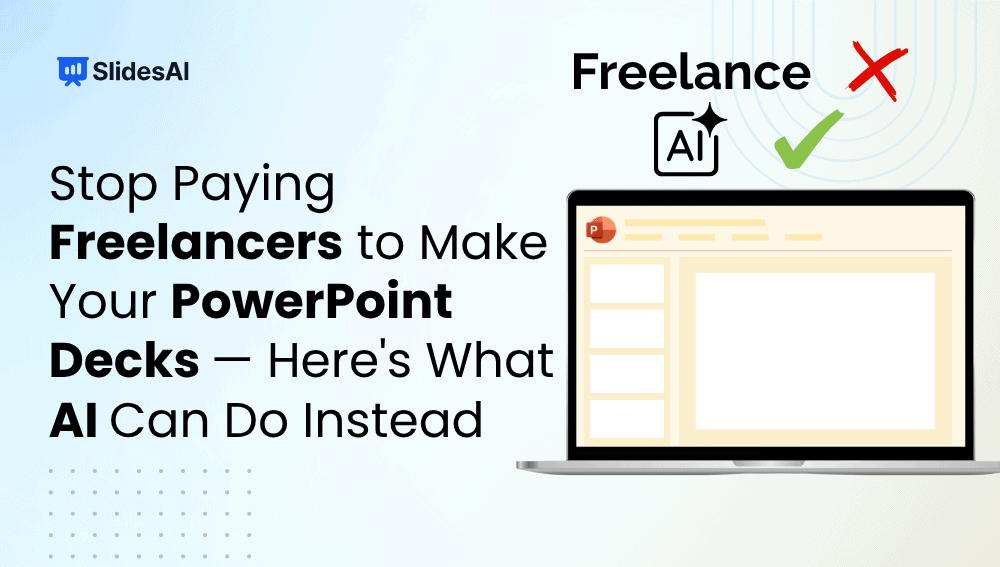
Stop Paying Freelancers for PowerPoint Decks: Use AI Instead
Discover how AI tools can create professional PowerPoint presentations faster and cheaper than freelancers while maintaining quality and customization.
-
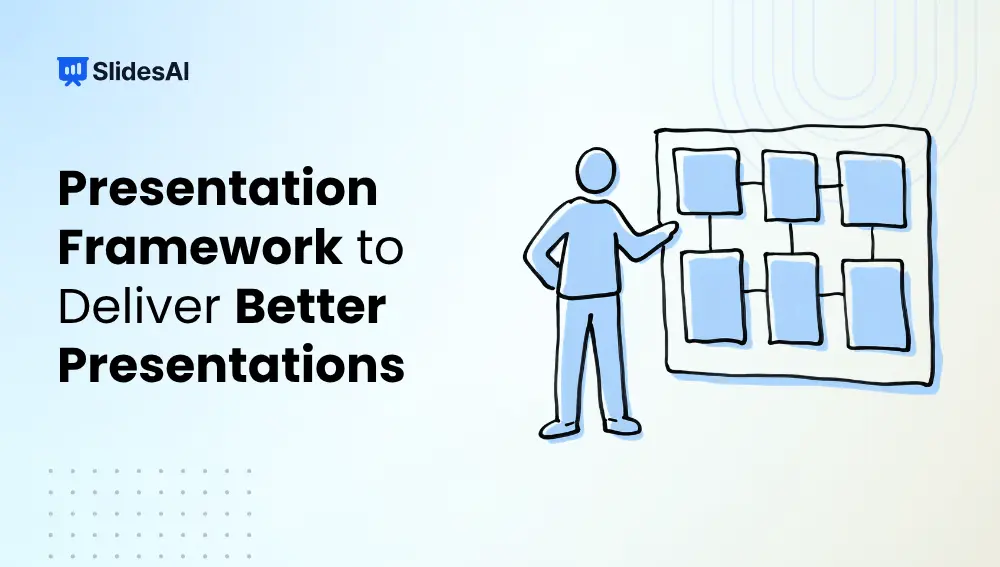
Presentation Framework: 5 Steps to Create Better Presentations
Most presentations do not fail because the topic is boring. They fail because too much information gets packed into too little time, the message becomes unclear, or the delivery lacks energy and direction. You have probably sat through presentations where slide after slide appeared on the screen, yet you walked away unsure of the main…
-
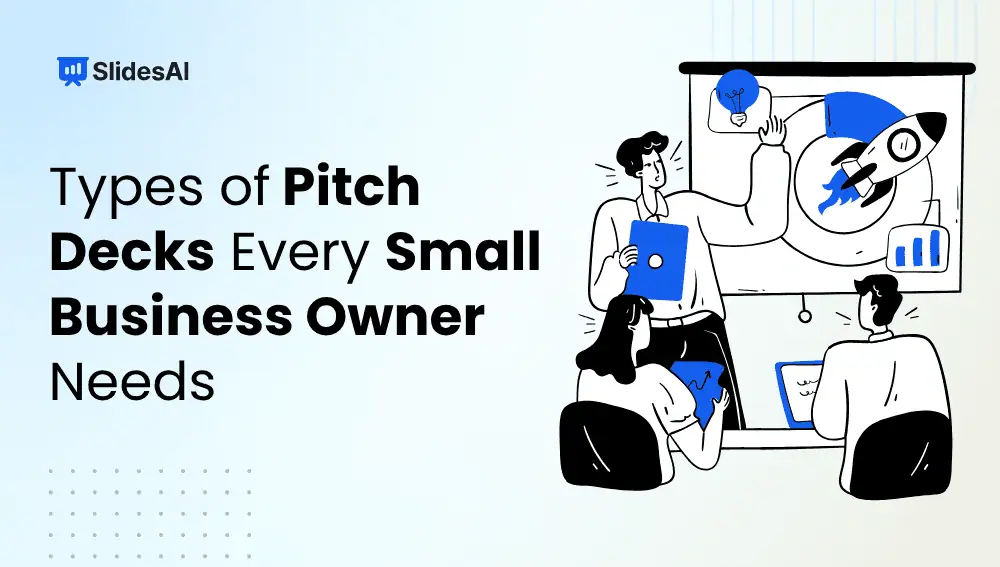
7 Types of Pitch Decks Every Small Business Owner Needs
Not all pitch decks are the same. Discover 7 types of pitch decks, what is the purpose and focus for each one, and how to choose the right one for your goal.
-

How to Simplify Complex Information for Presentation Slides
Have you ever looked at a slide and felt overwhelmed before the presenter even started speaking? It happens more often than you think. Many presentations become difficult to follow because too much information is packed into a single slide. The challenge is not just reducing content. It is making sure the audience still understands the…
-
Top Microsoft Copilot Alternatives for Teachers for Presentations
Artificial intelligence is becoming a regular part of teaching. From creating lesson plans and designing presentations to generating quizzes, classroom activities, and visual learning materials, AI tools are helping teachers save time and handle everyday tasks more efficiently. One platform that has gained attention in recent years is Microsoft Copilot. Its integration with Microsoft 365…
Got any book recommendations?